Colors
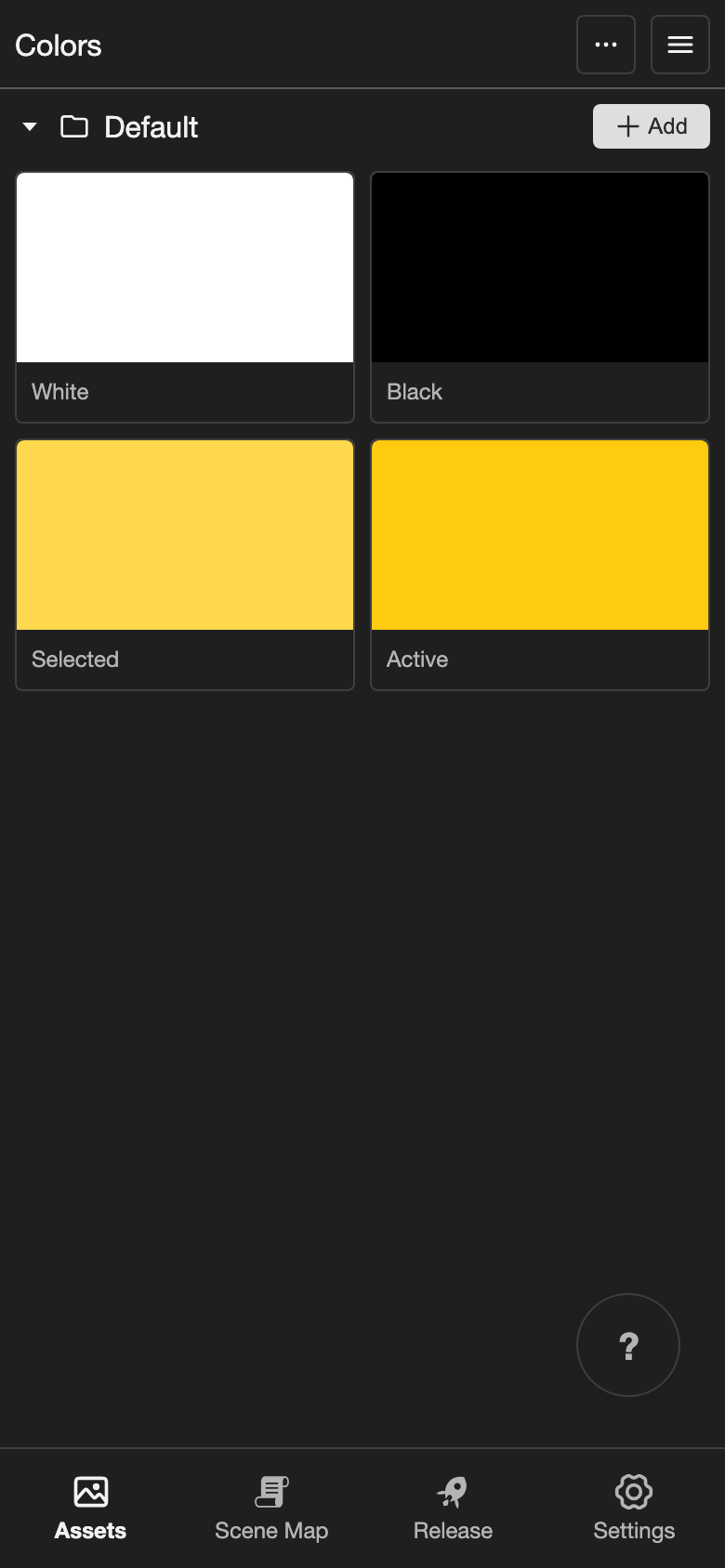
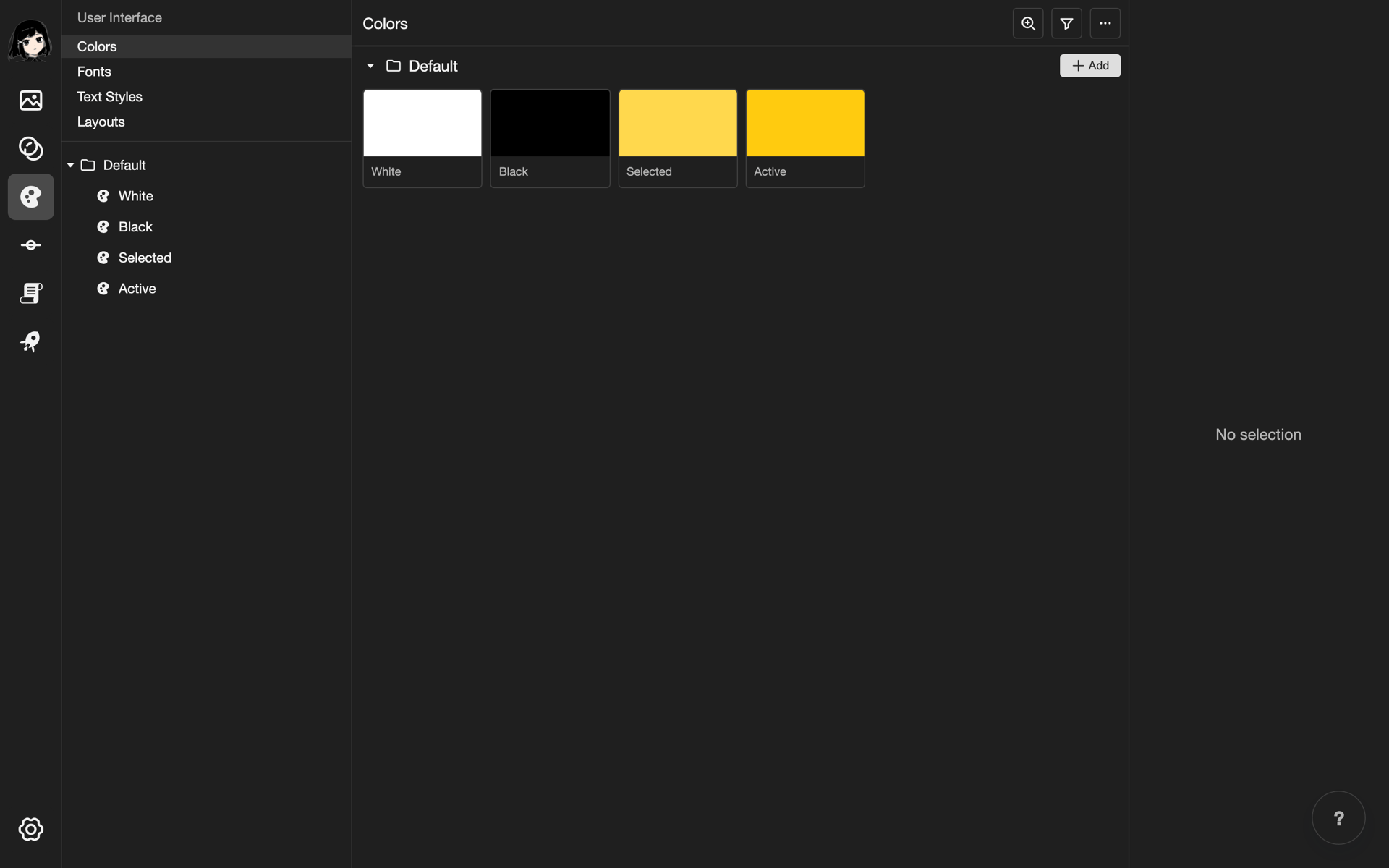
The Colors page keeps all the text colors of your project in one place. Use the same colors everywhere, so your text looks consistent.
How colors, fonts, and text styles work together
- Colors: The colors your text can use. This page.
- Fonts: The font files that give your text its letter shapes. See Fonts.
- Text styles: A saved look that uses one font and one color. See Text Styles.
- Layouts: The screens of your visual novel. Layouts use text styles for their text.
Open the Colors page
-
Open the User Interface pages.
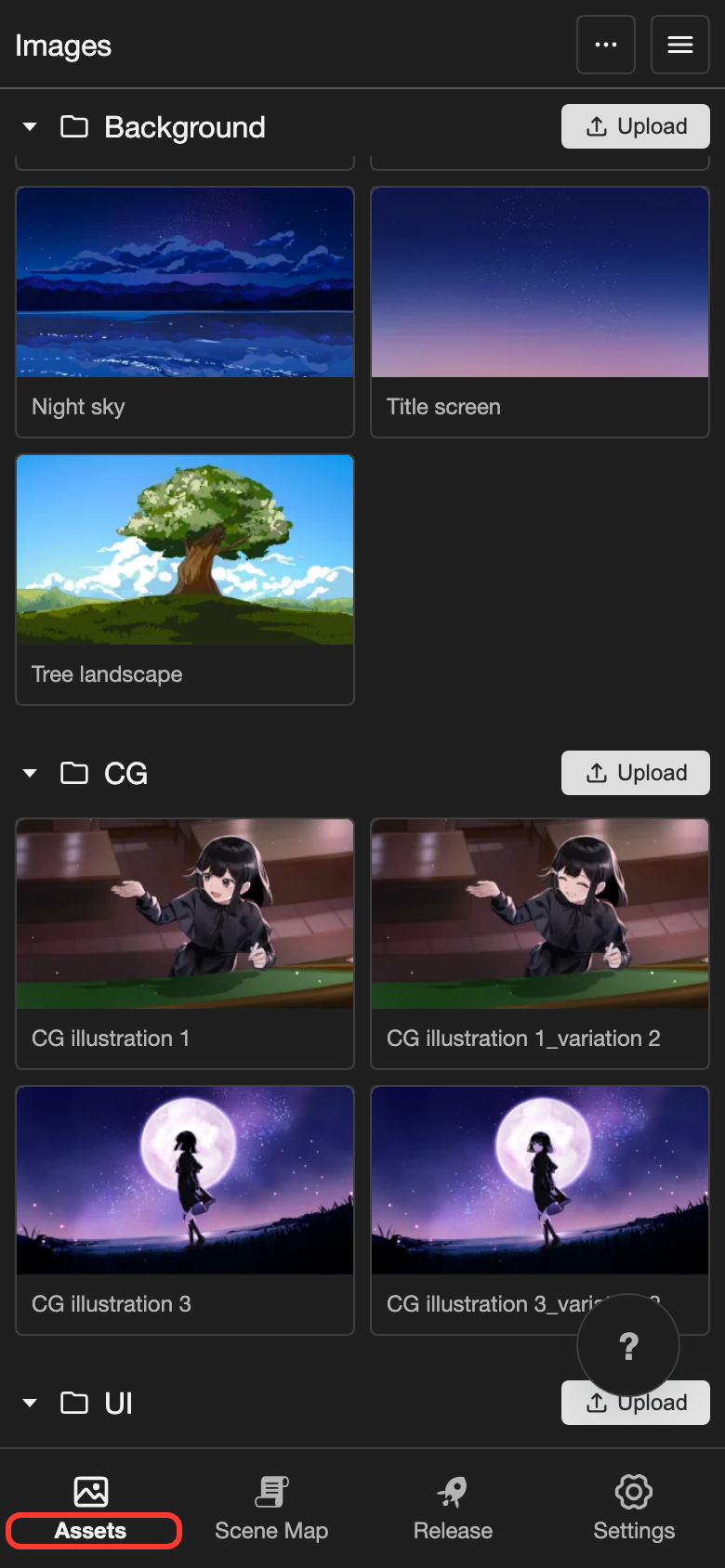
- Phone or tablet: Tap Assets at the bottom of the screen.
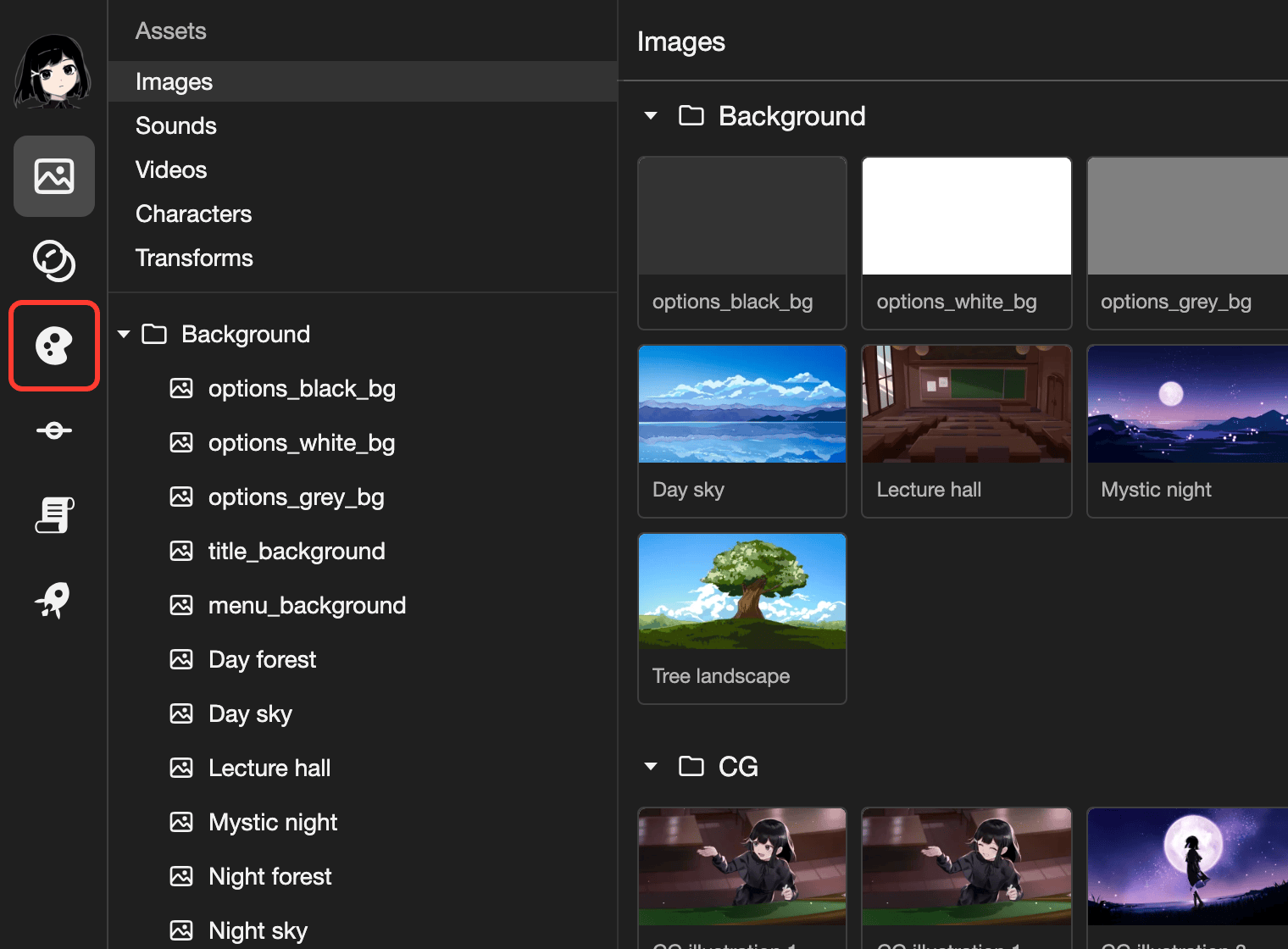
- Desktop: On the far left, click the User Interface button. It looks like a palette.
-
Tap Colors under User Interface.
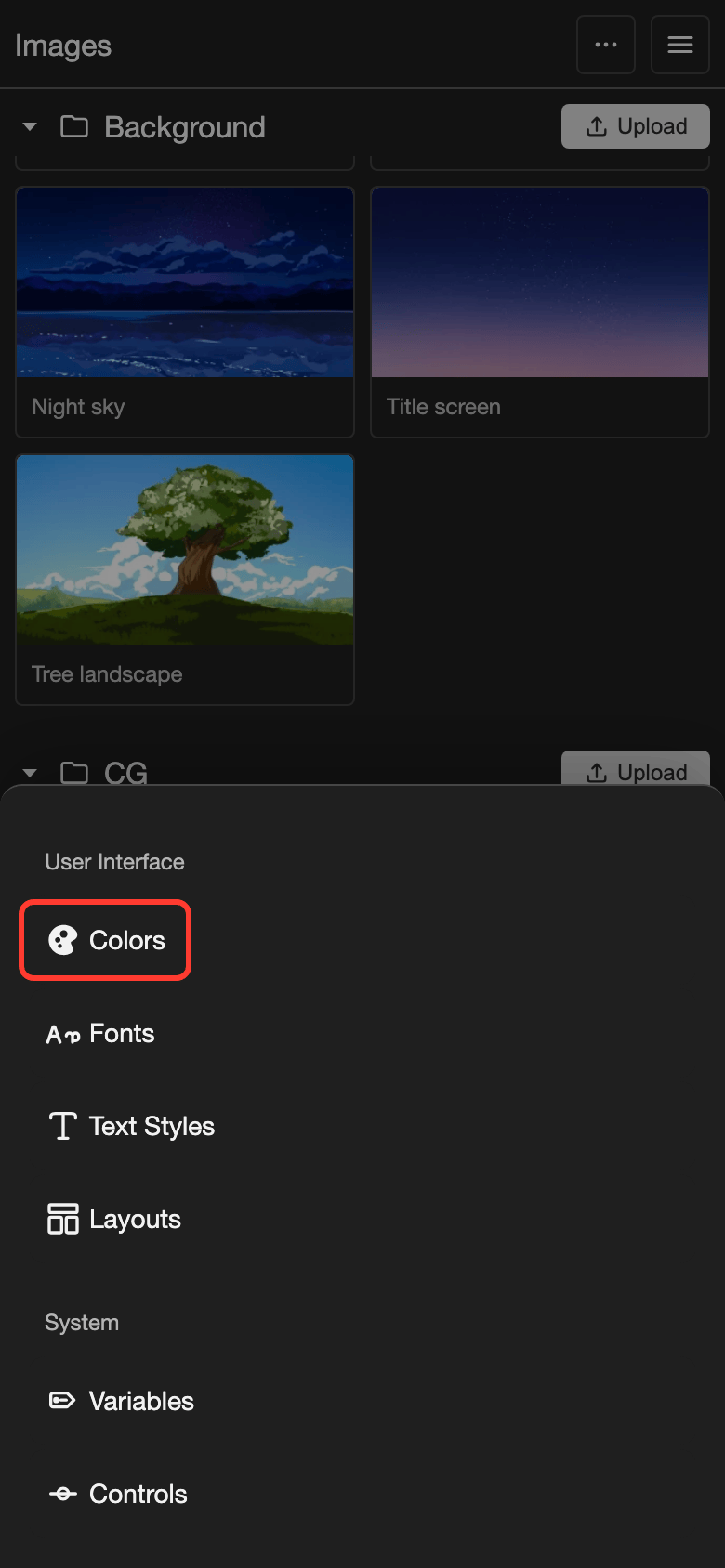
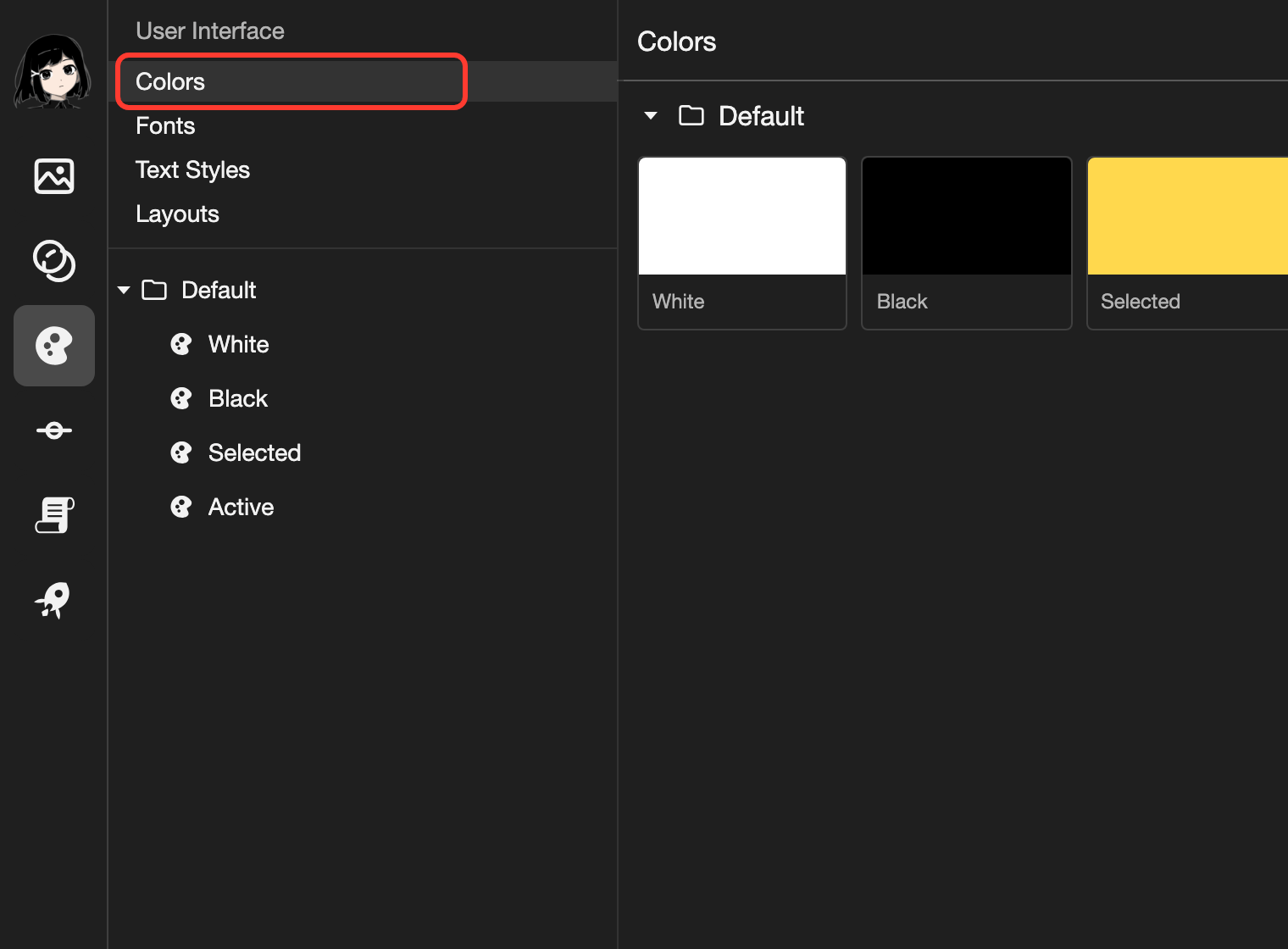
The Colors page opens.
Parts of the Colors page
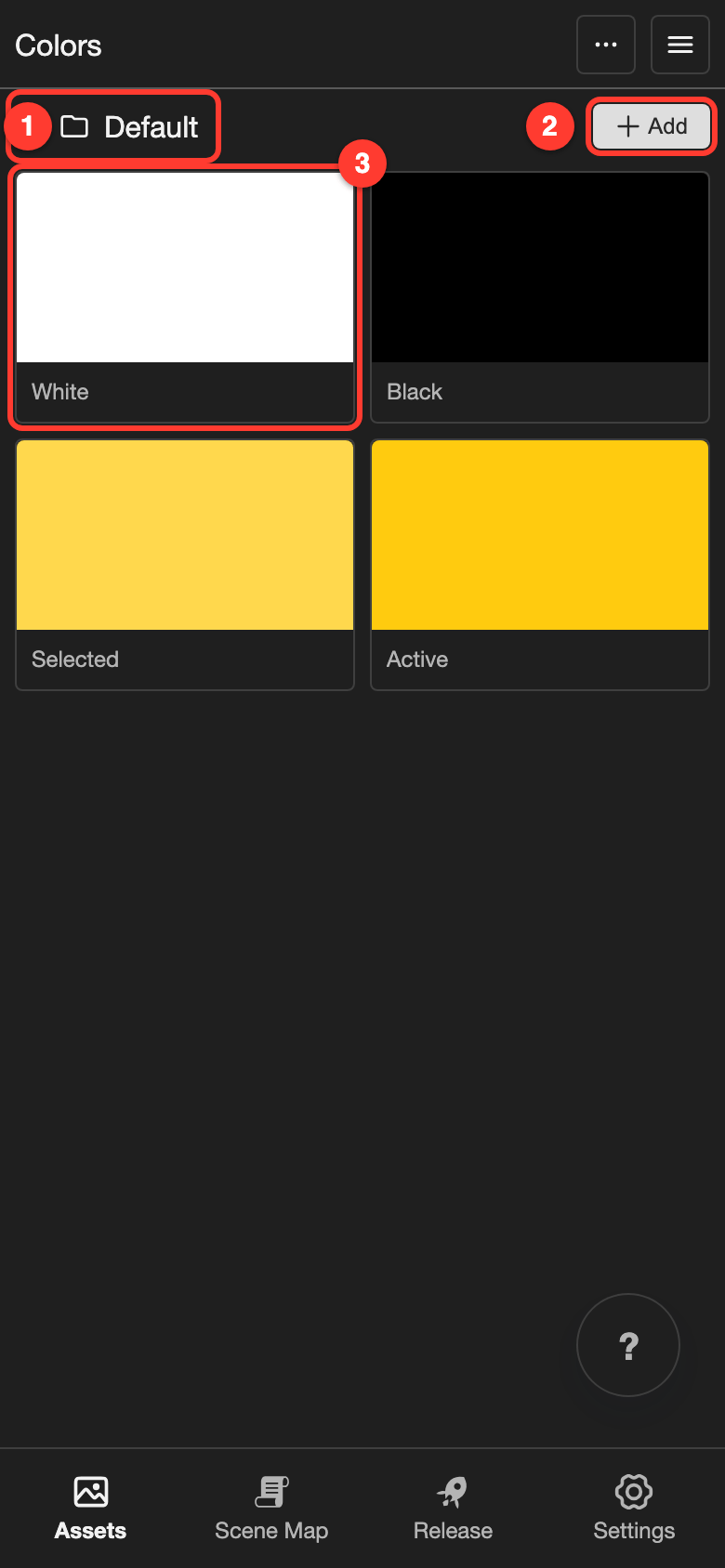
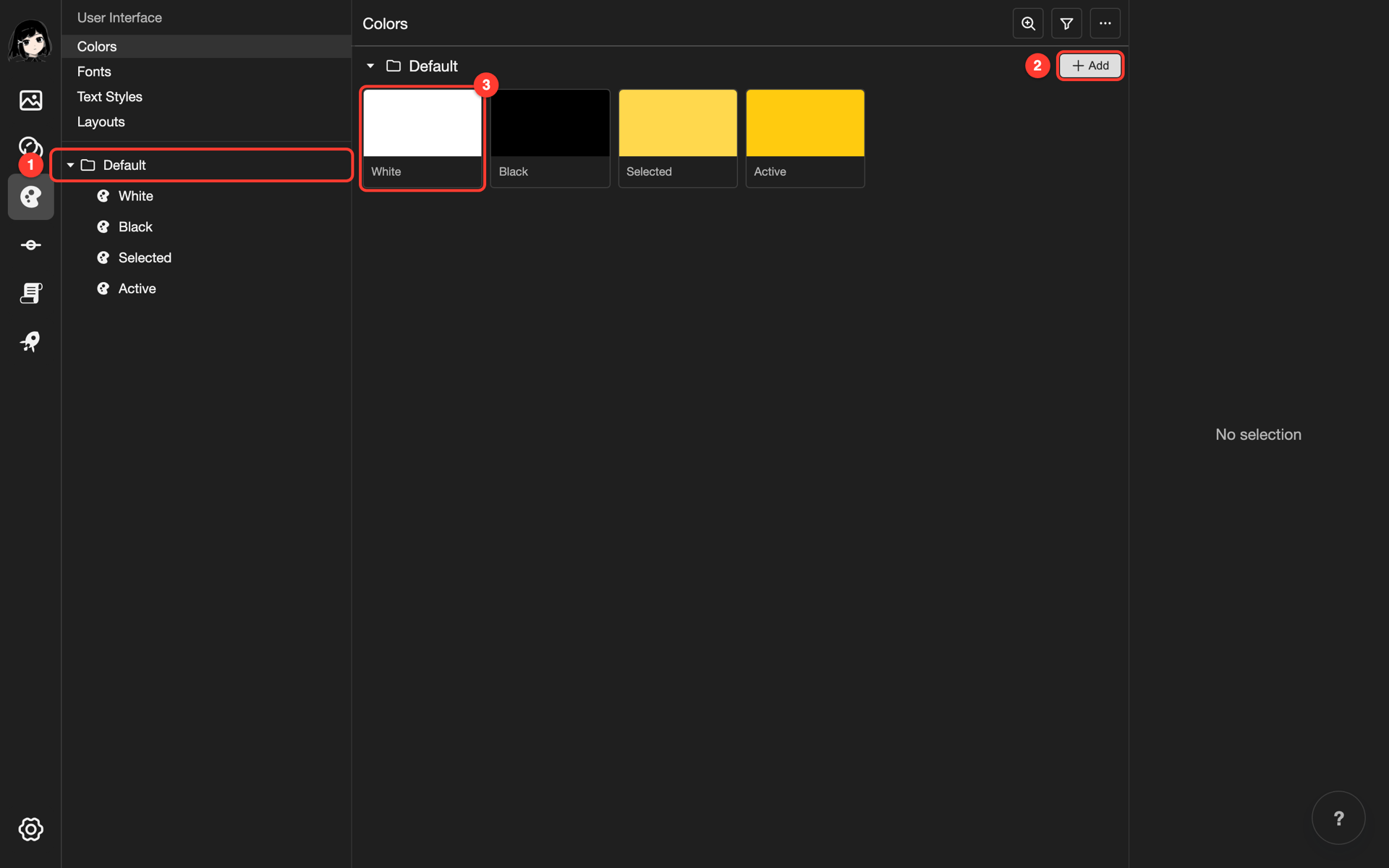
- Folder: A group of colors. The Default folder is there from the start.
- Add: Opens the Add Color box, where you make a new color.
- Color: One color. It shows its name and a preview square.
Add a color
-
Next to the folder name, tap Add.
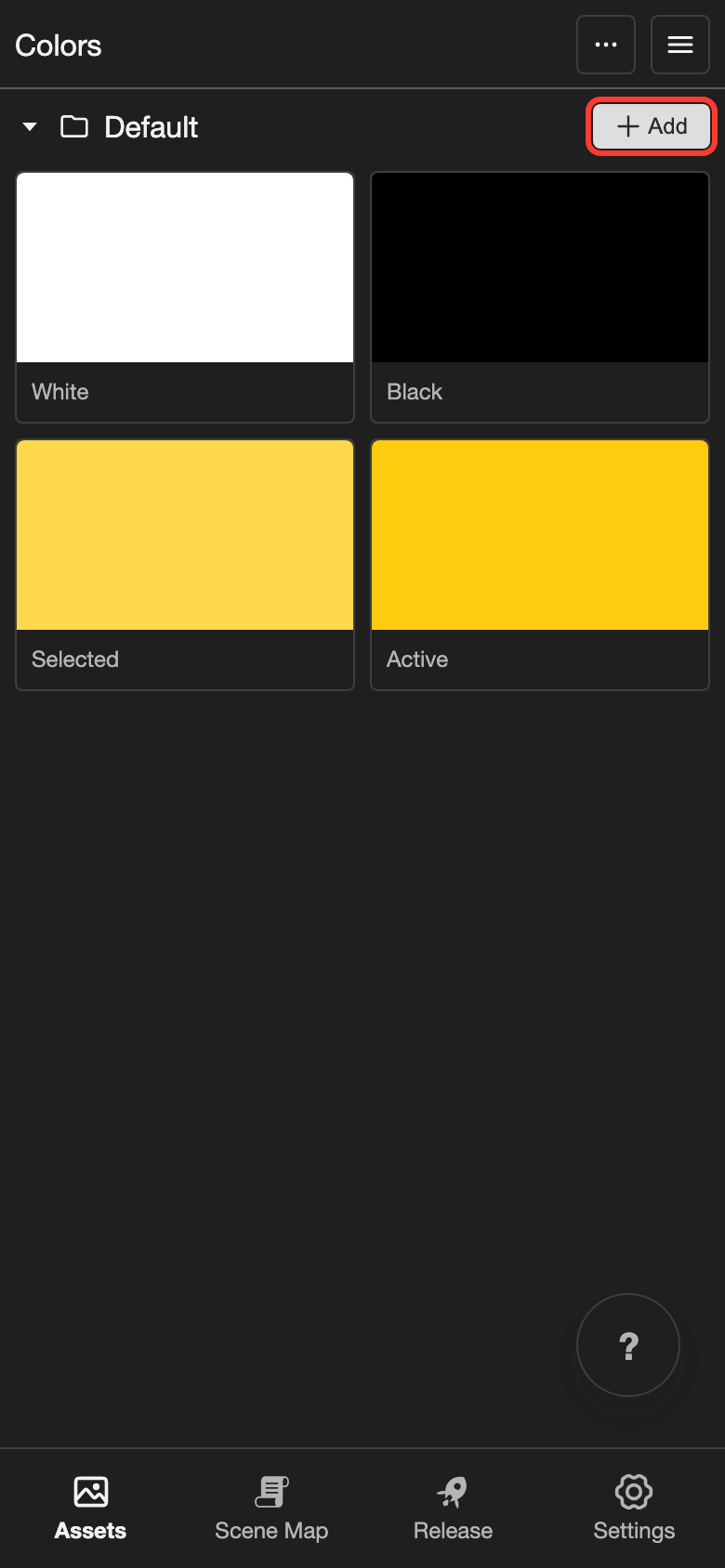
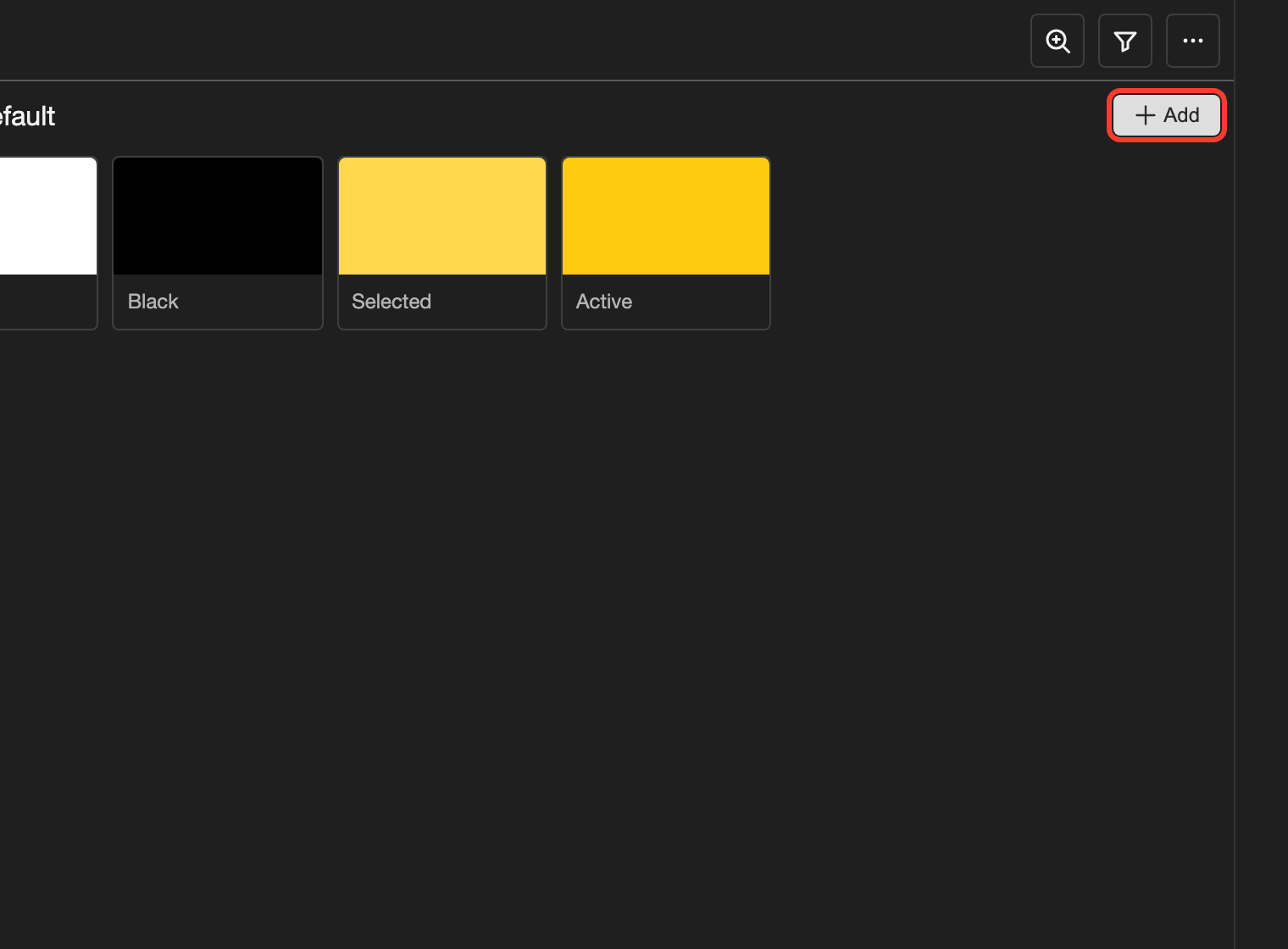
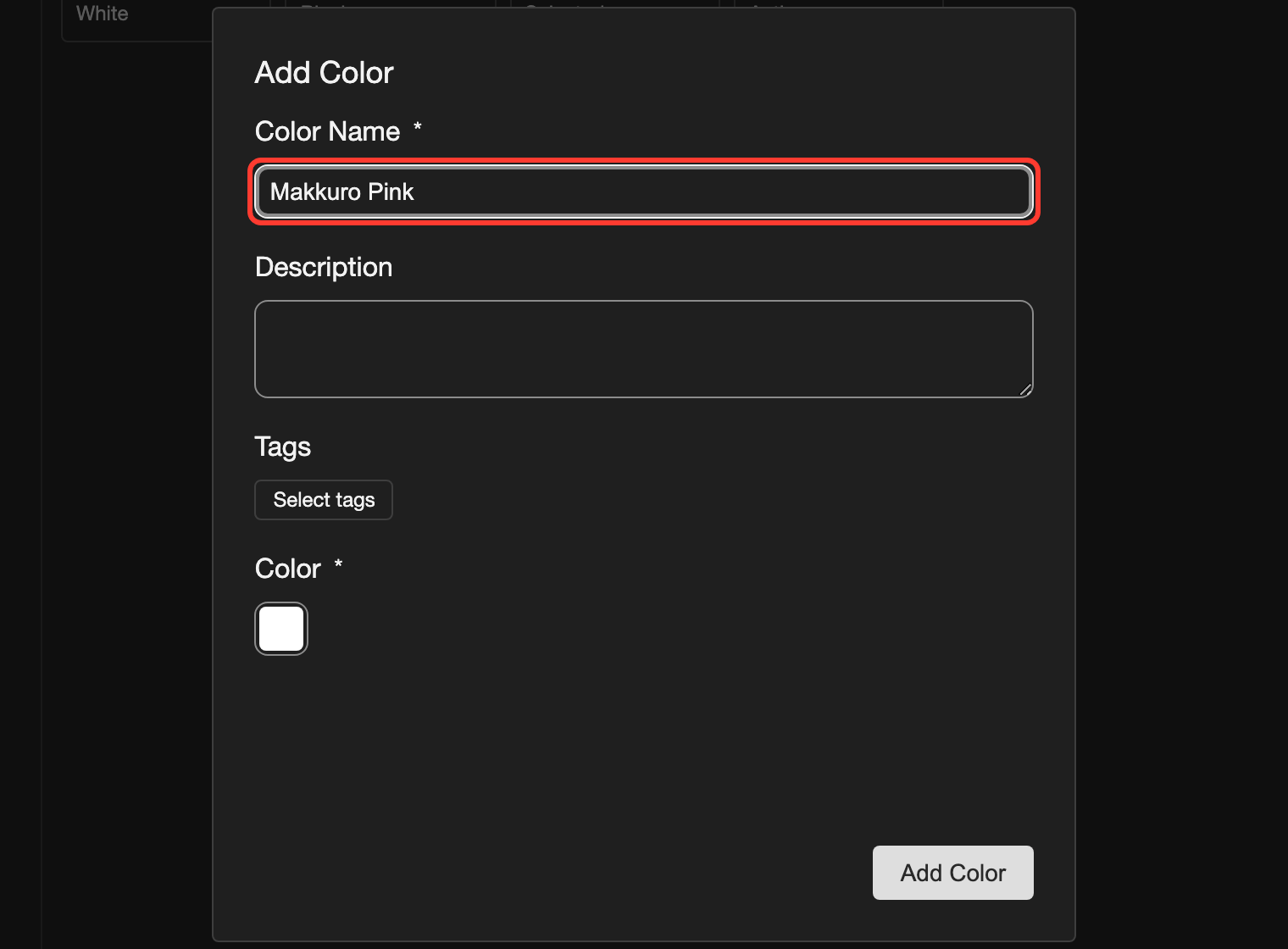
The Add Color box opens.
-
Type a name in Color Name. For example,
Makkuro Pink.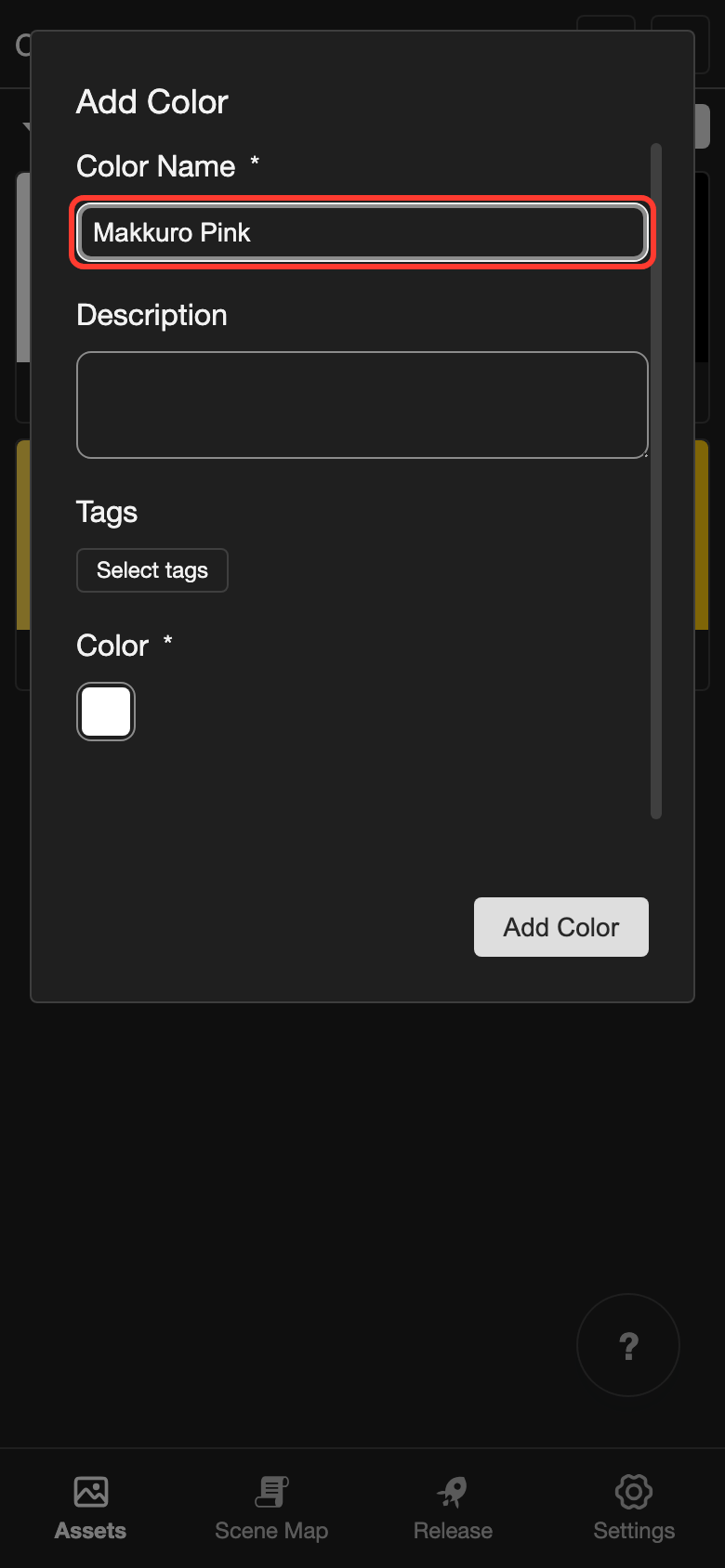
-
Tap the small square under Color.
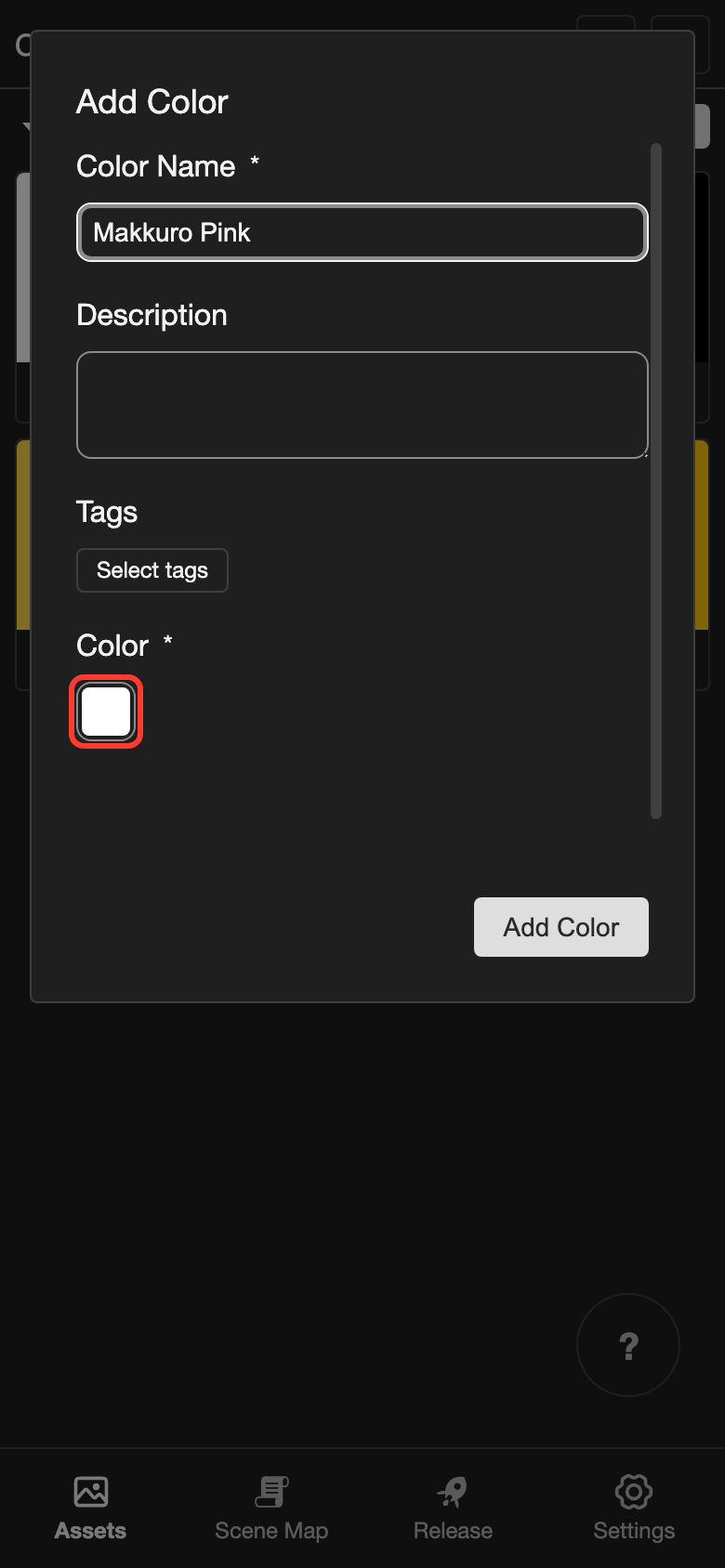
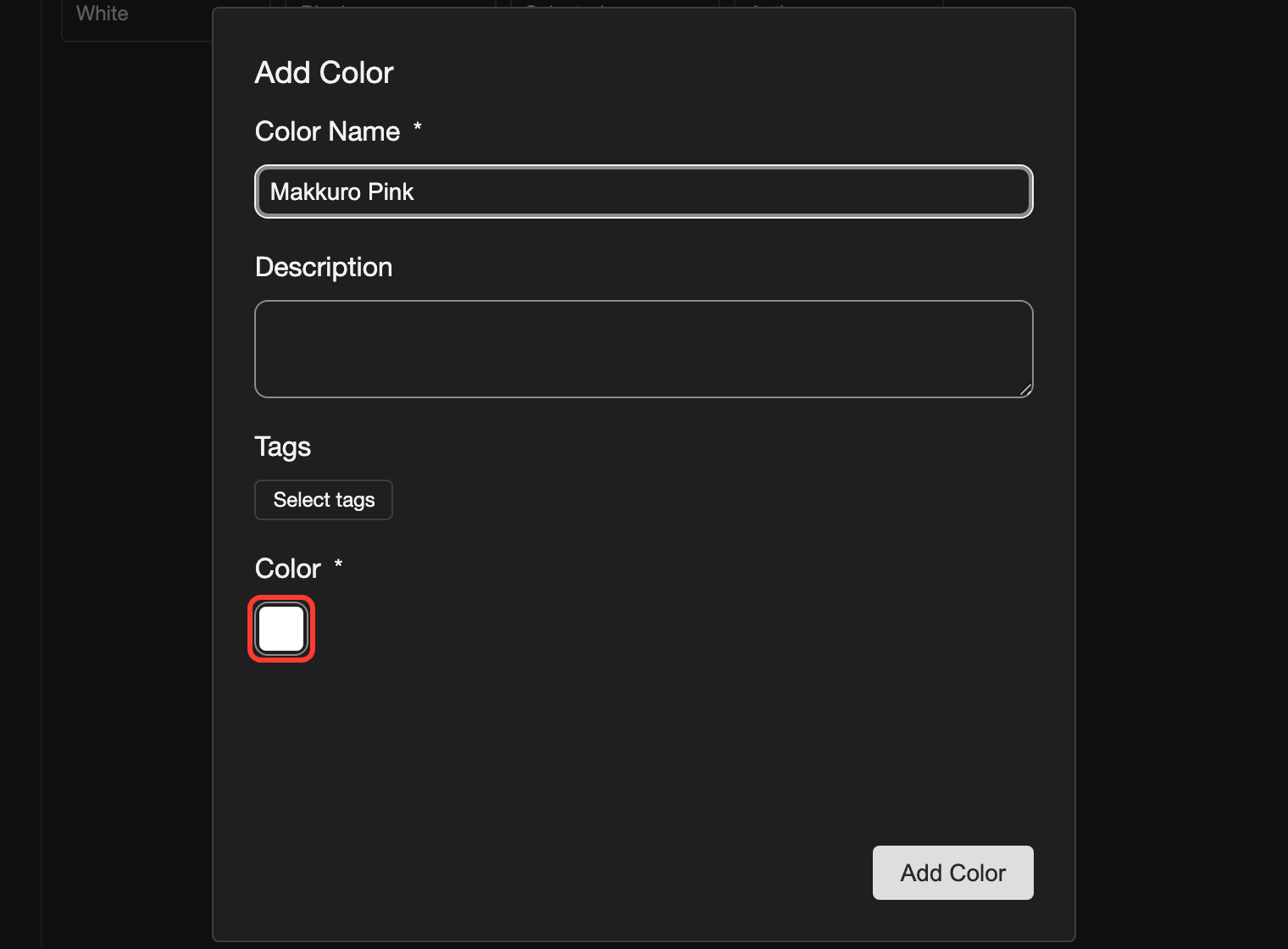
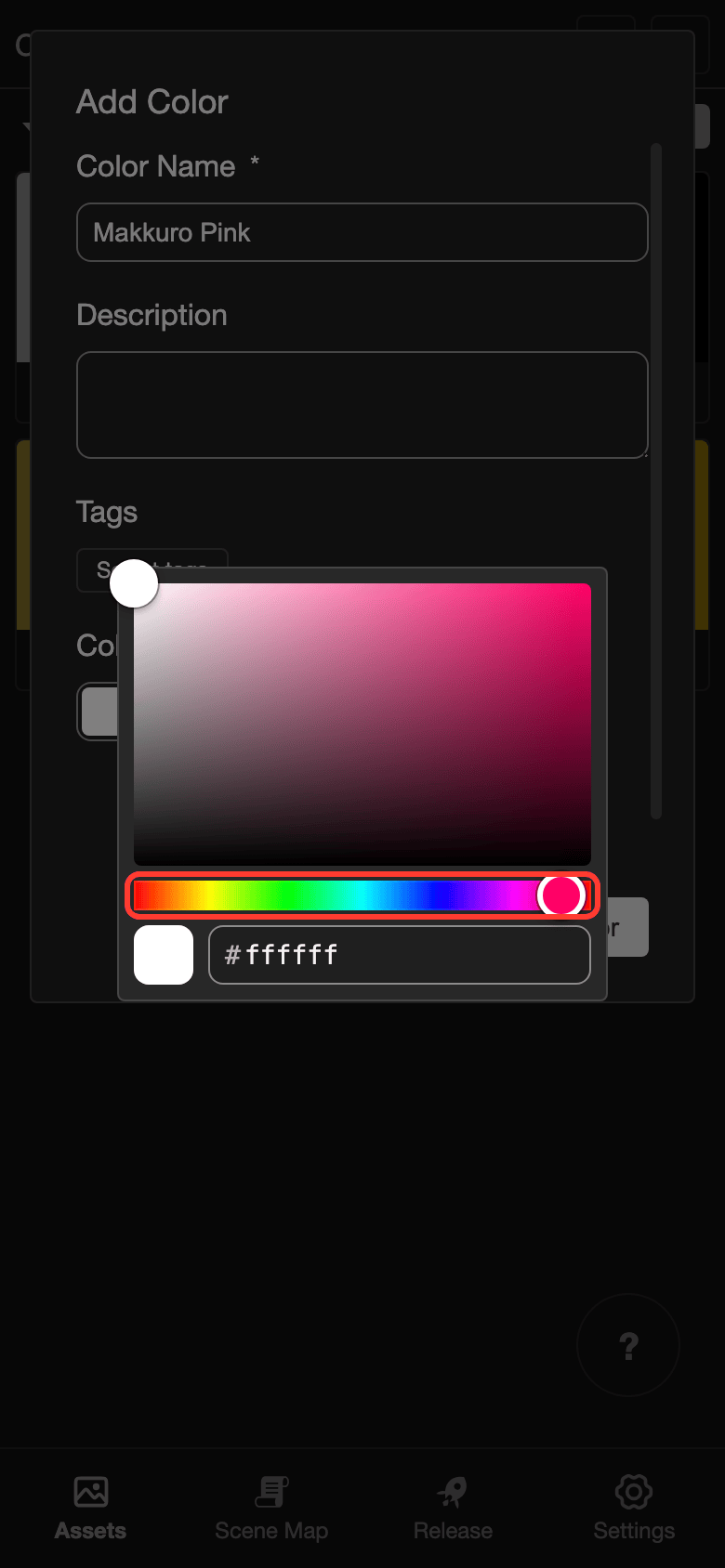
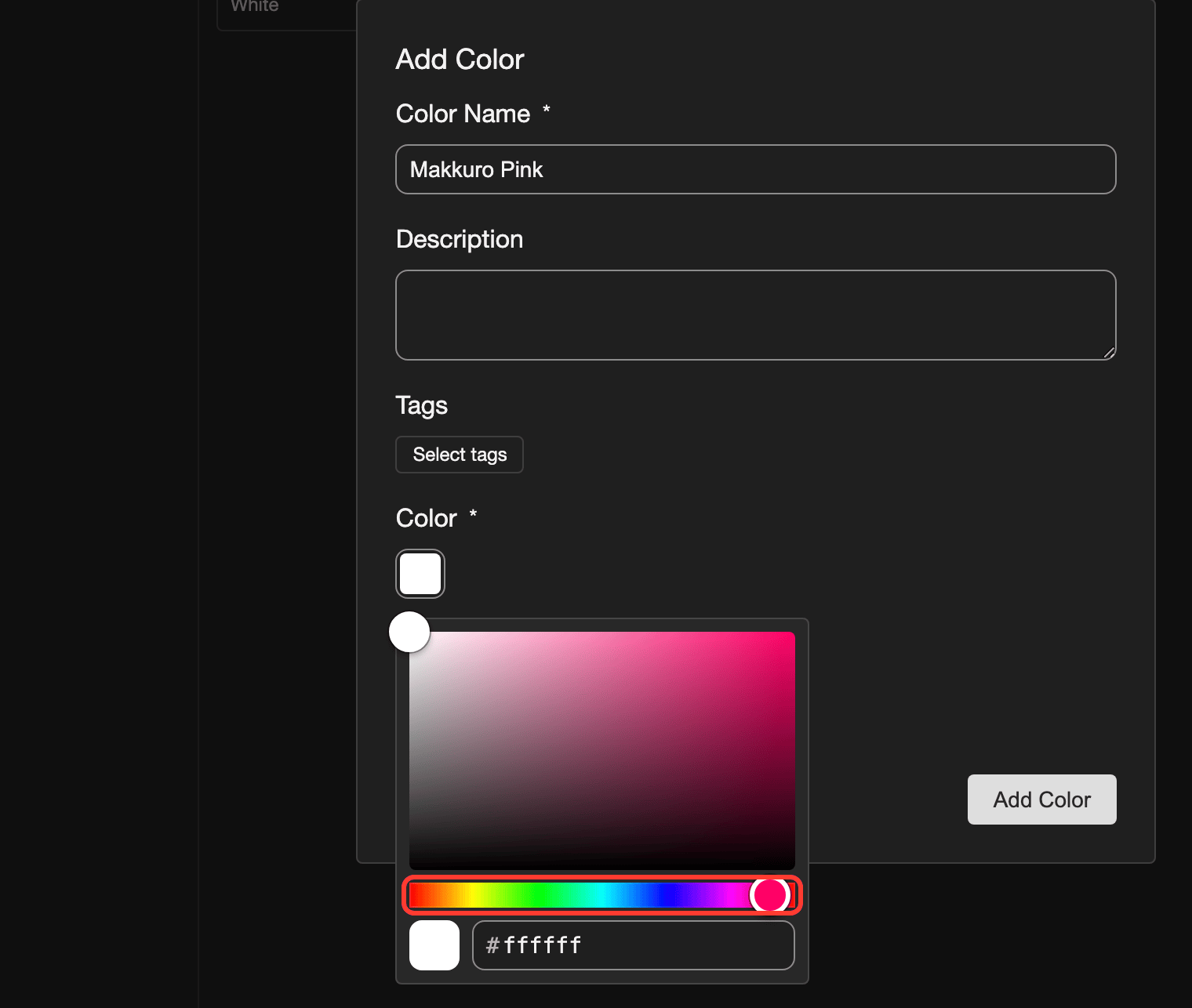
The color box opens.
-
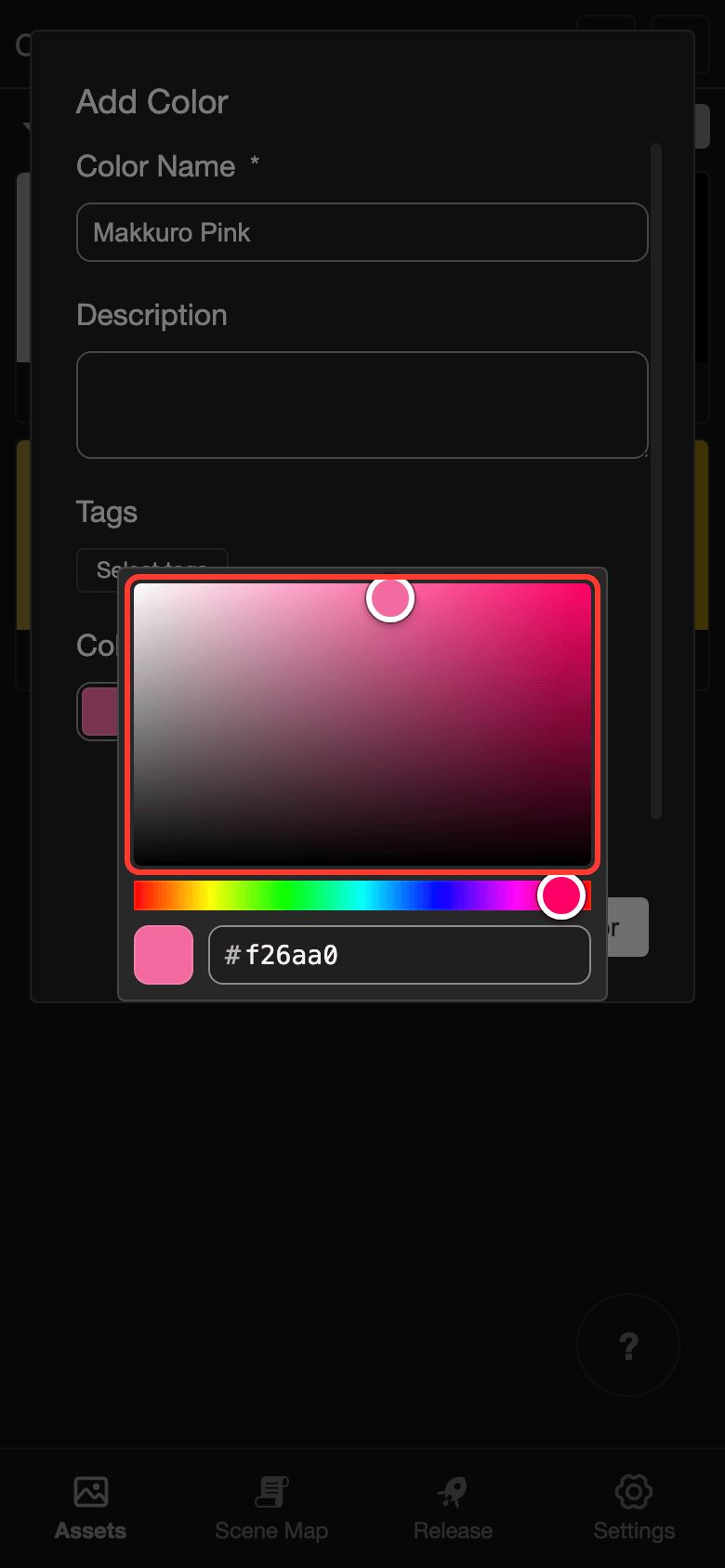
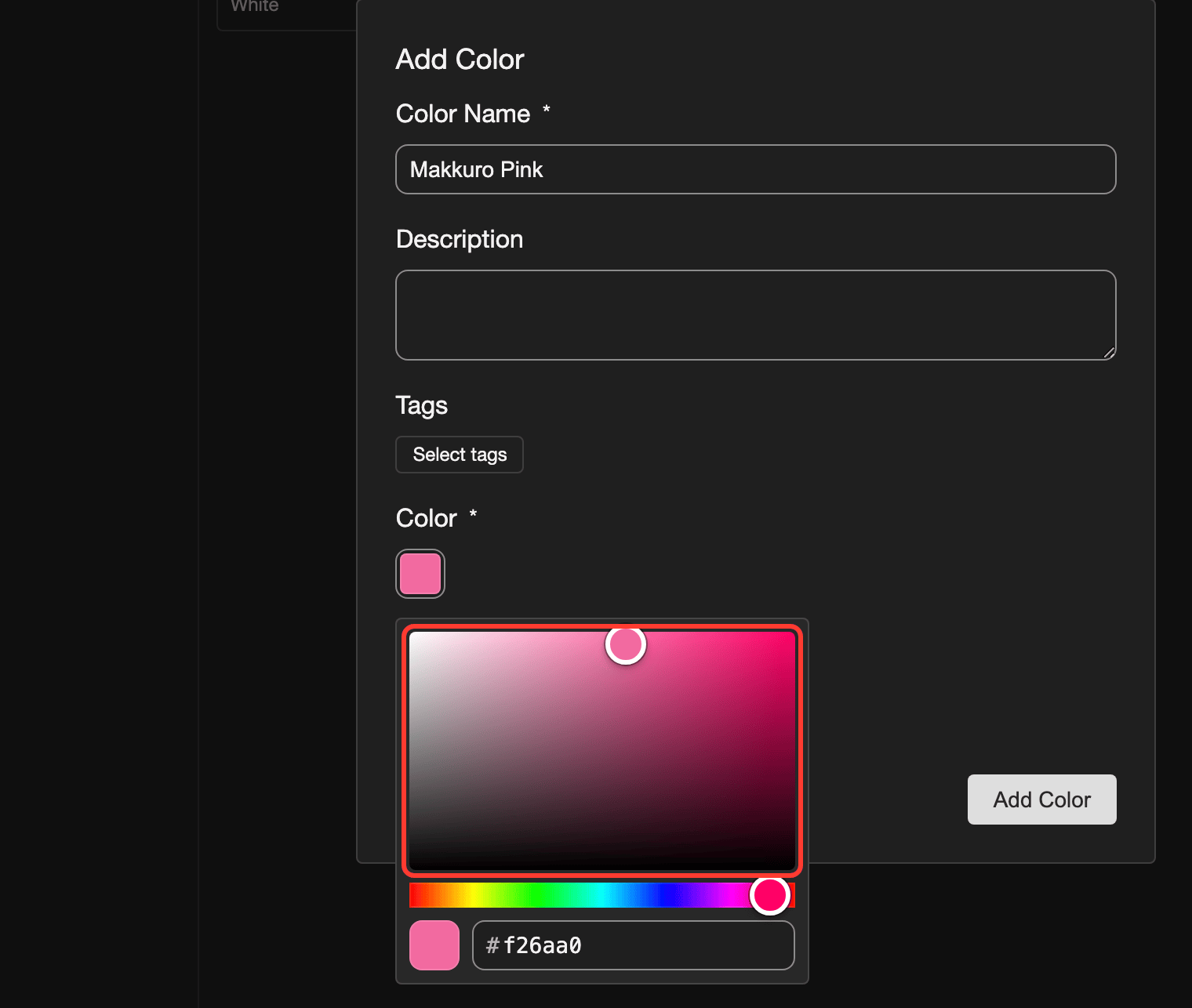
Pick a color.
- Tap the rainbow slider to pick a hue.
- Tap the big square to pick a lighter or darker shade.
-
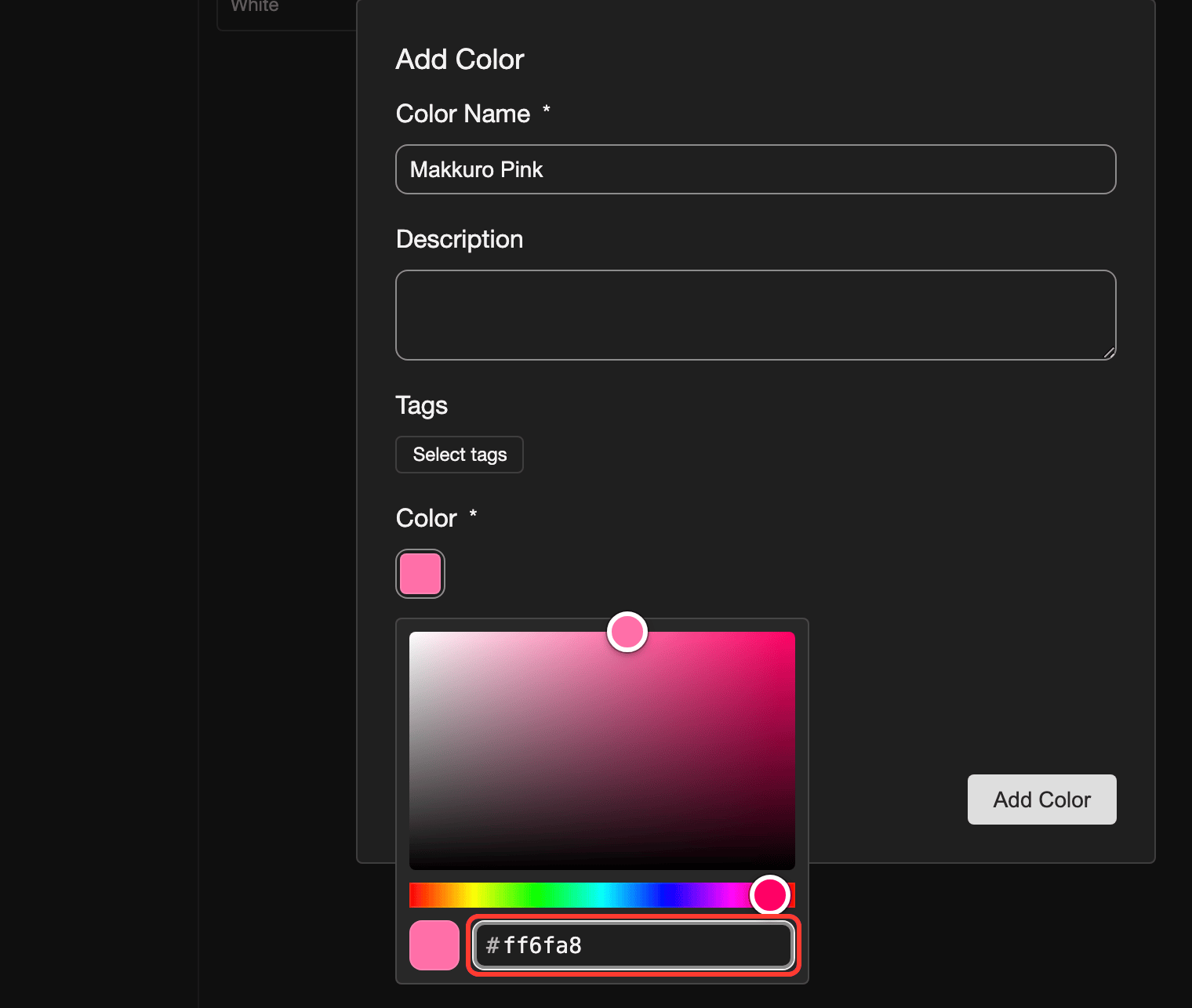
If you know the hex code of the color, you can type it instead. Type it in the box at the bottom of the color box, for example
ff6fa8. Leave out the#.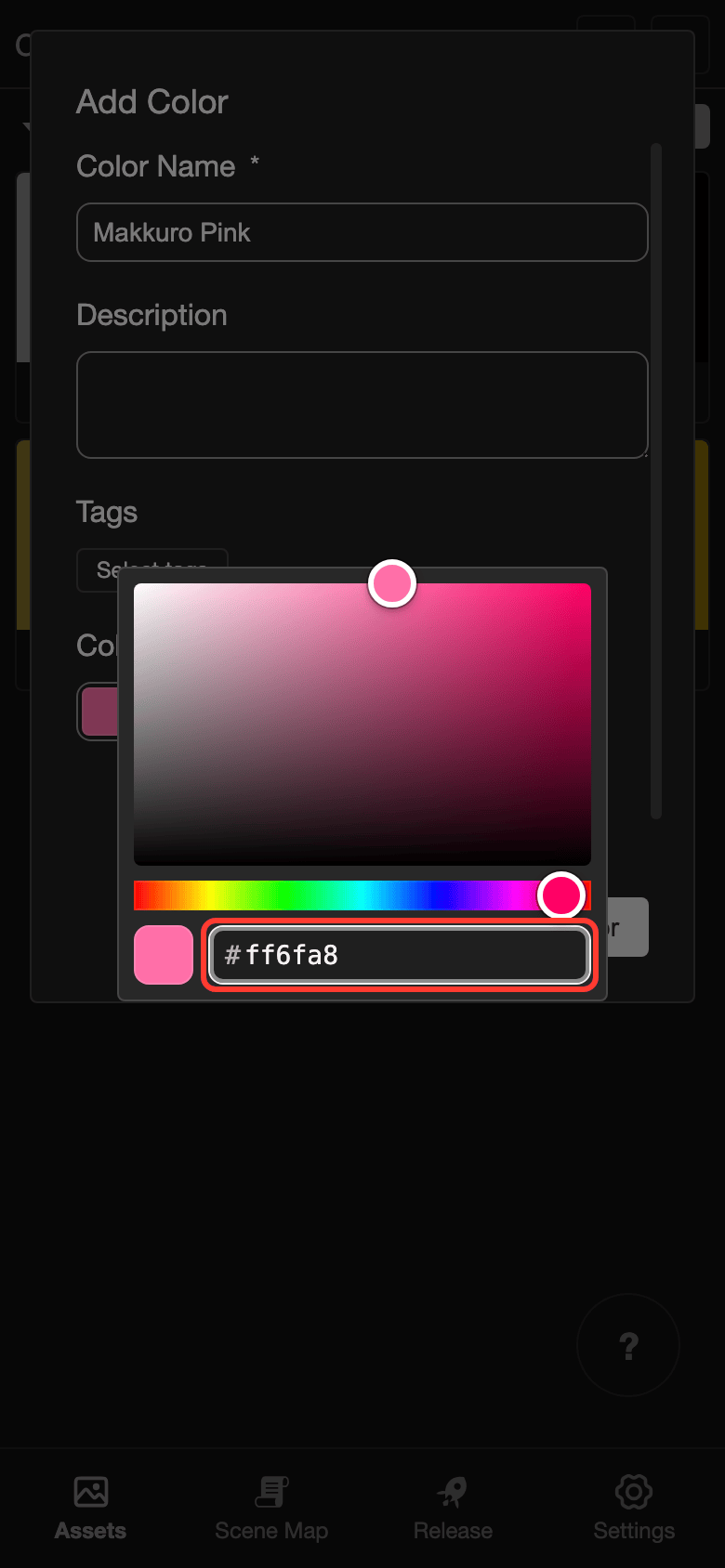
-
Tap outside the color box to close it.
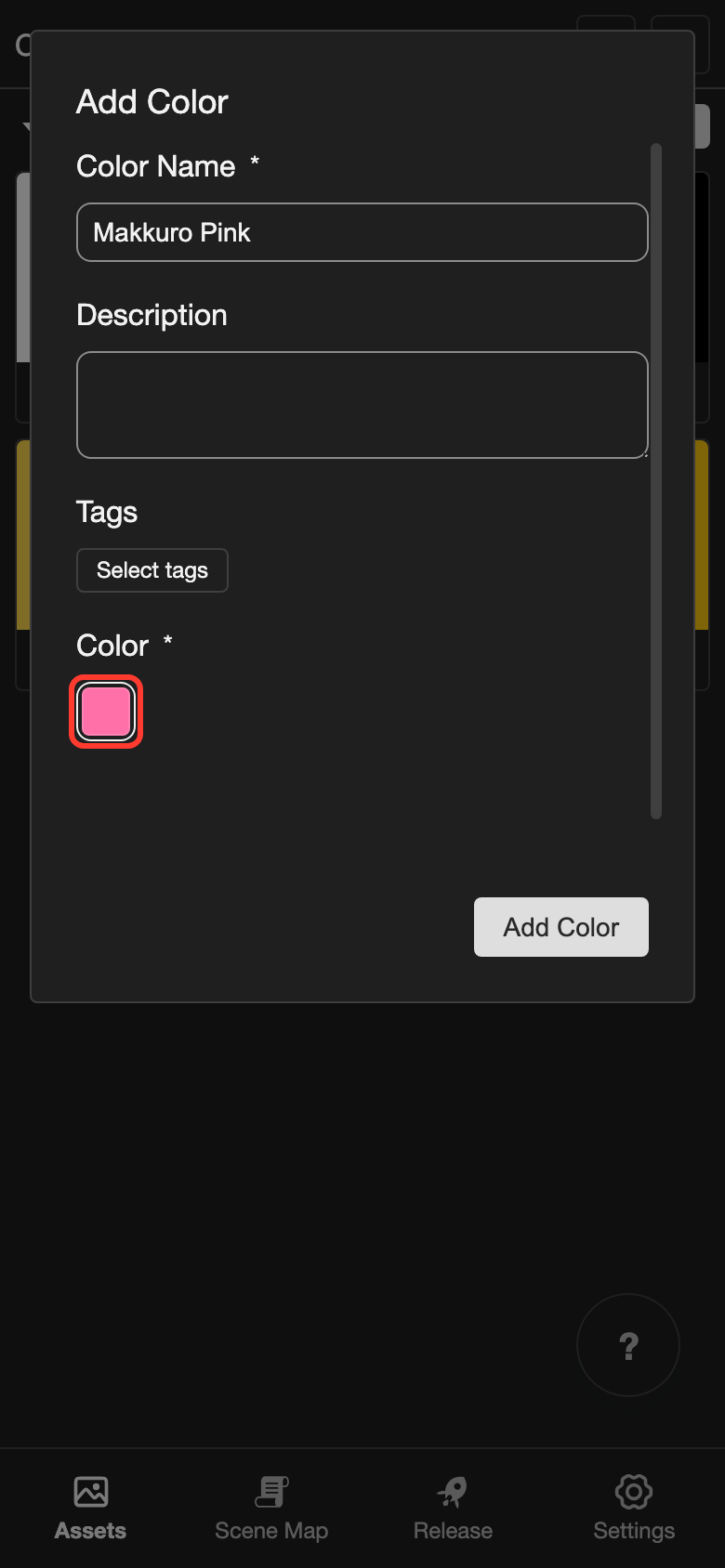
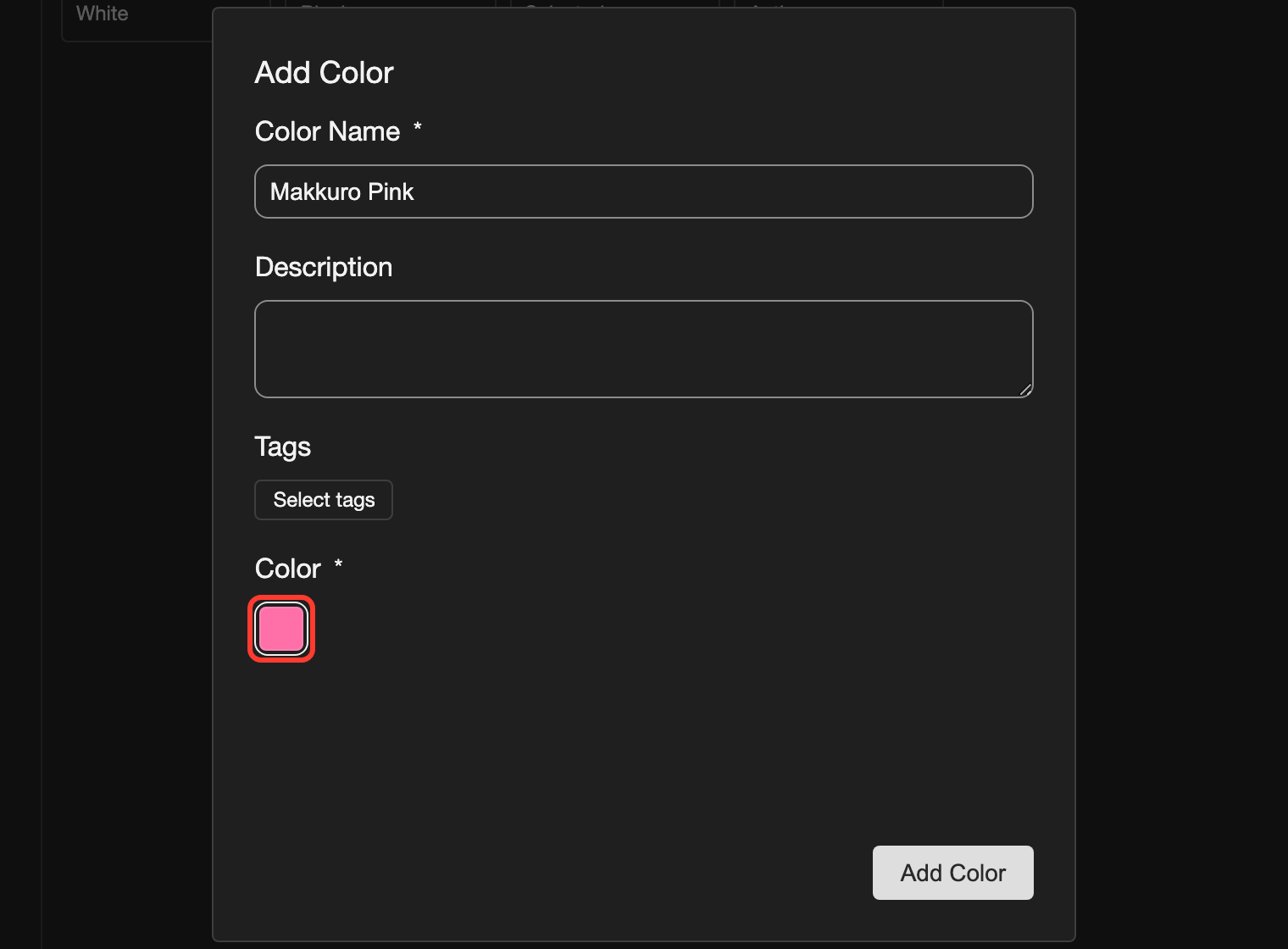
-
Tap Add Color.
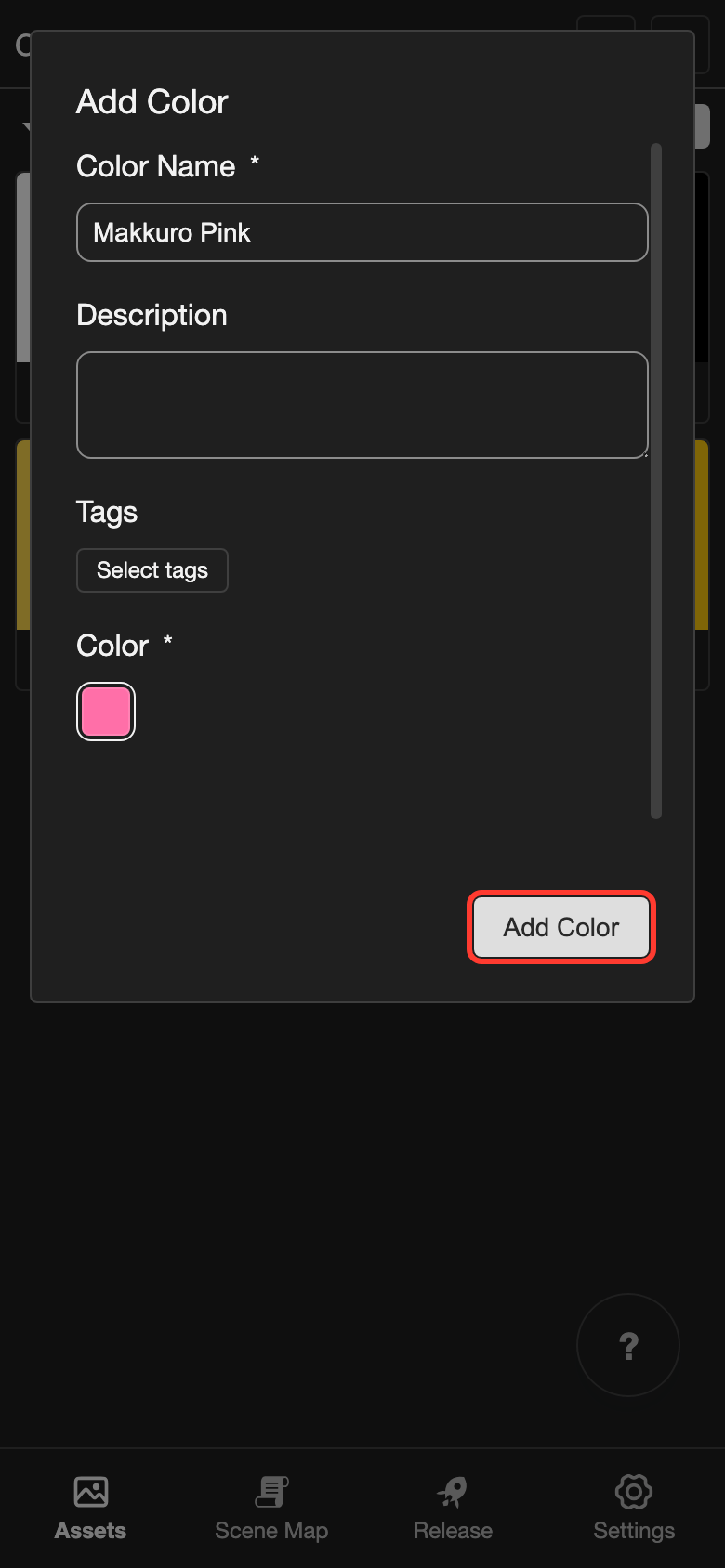
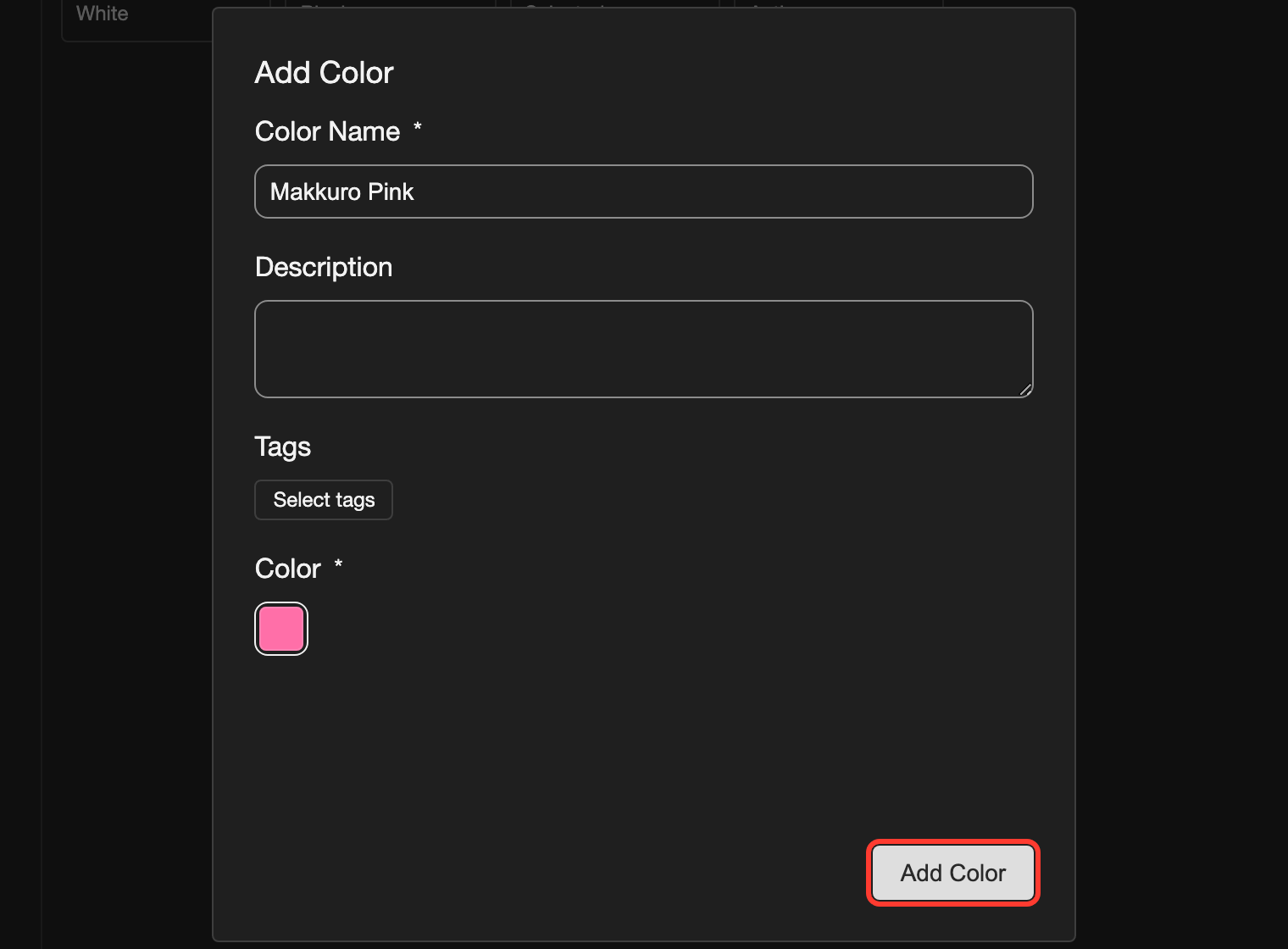
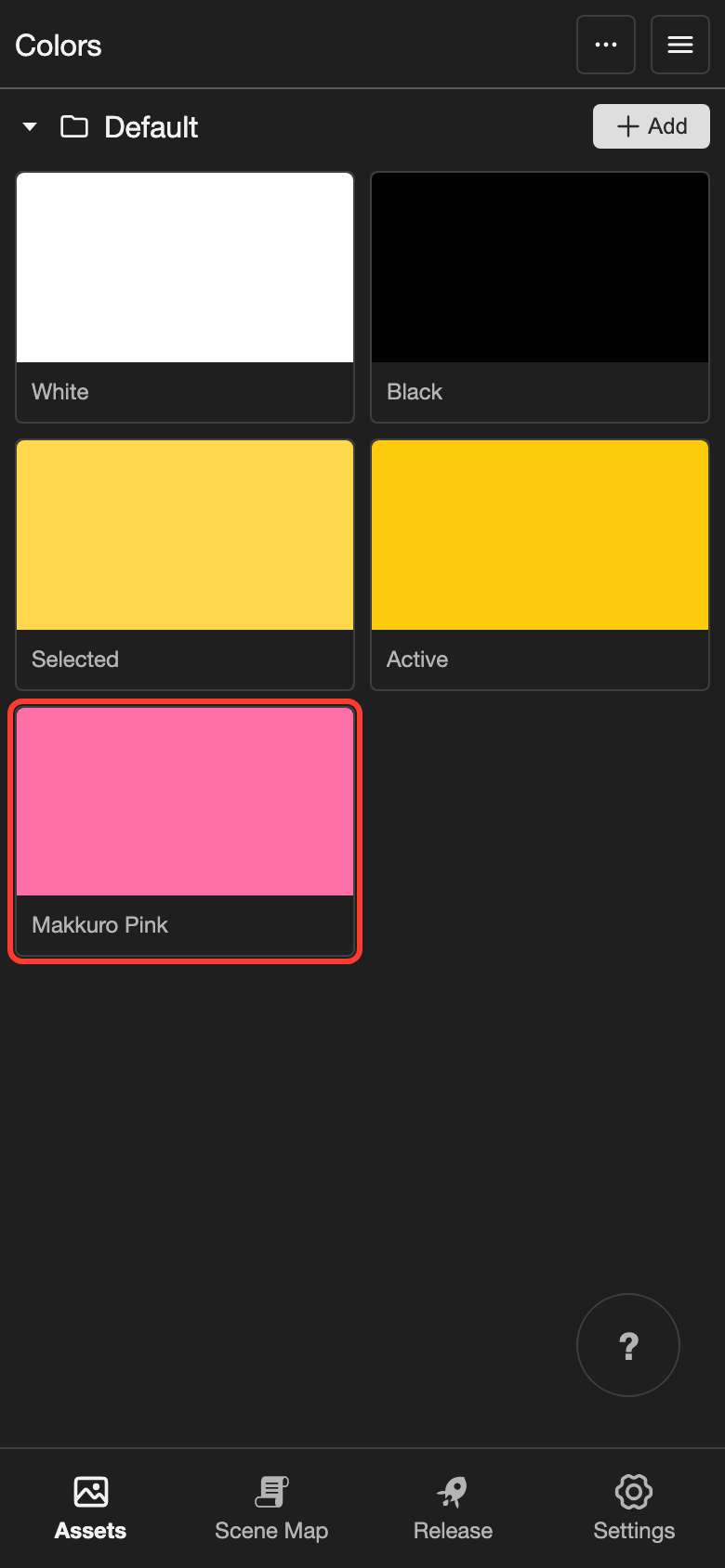
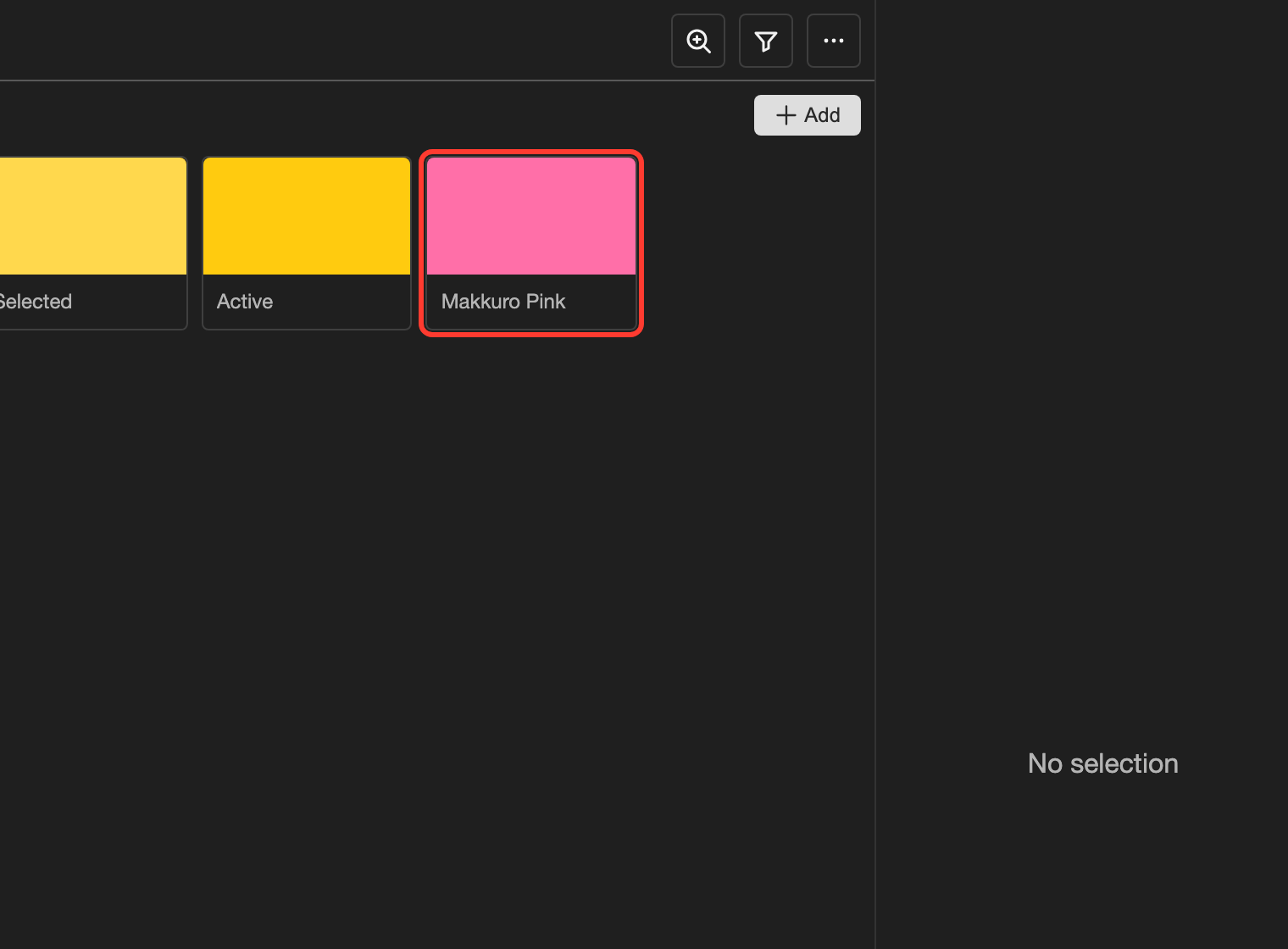
The new color appears in the list.
Edit a color
-
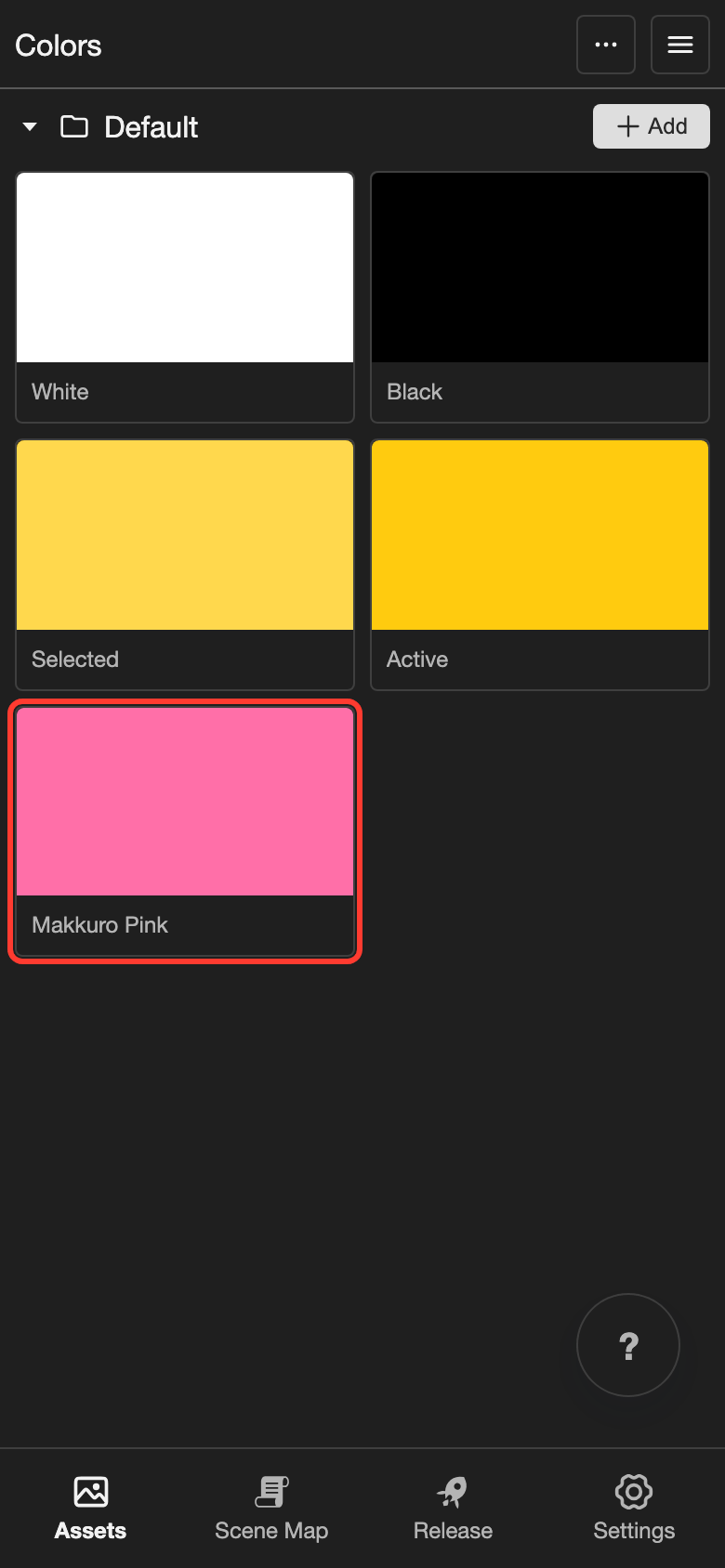
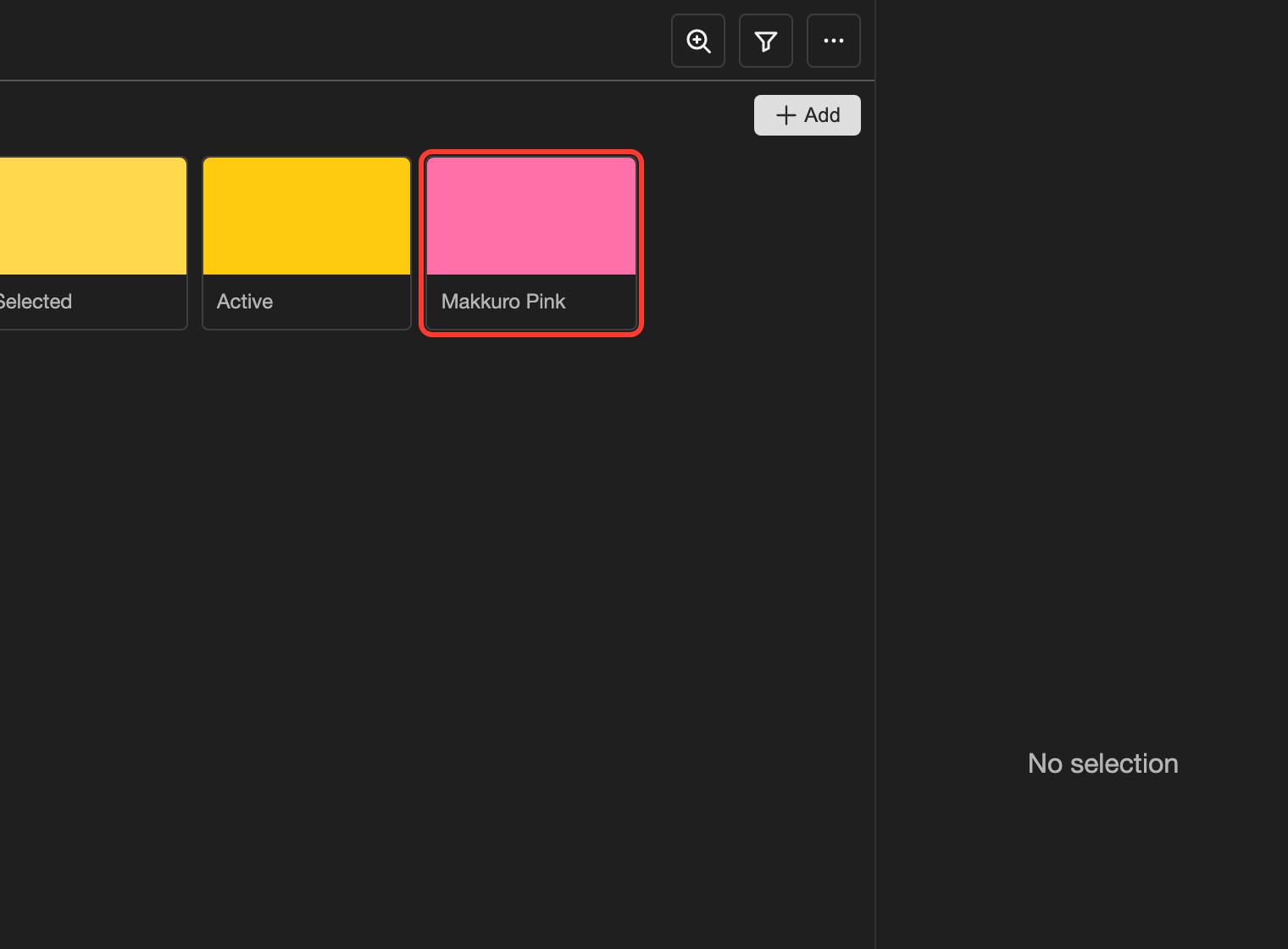
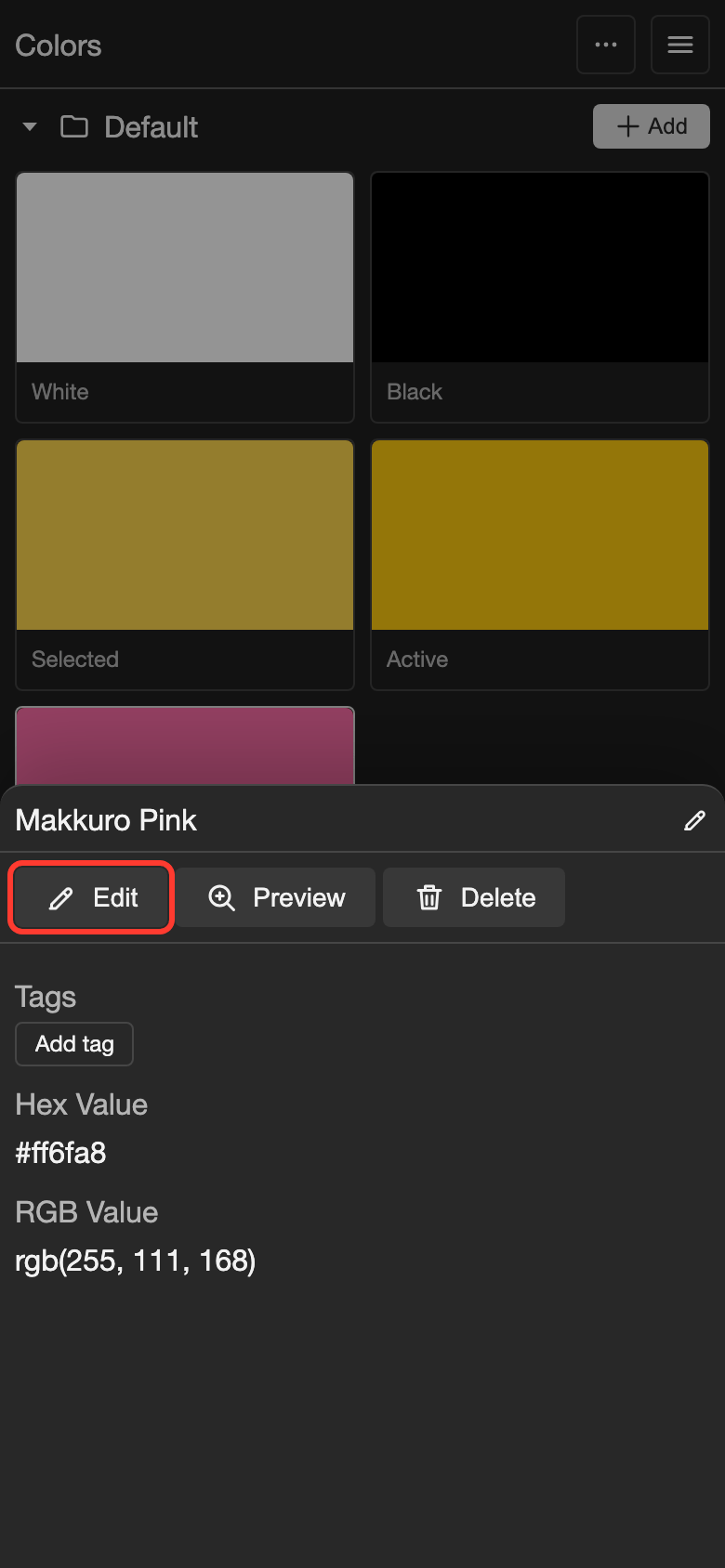
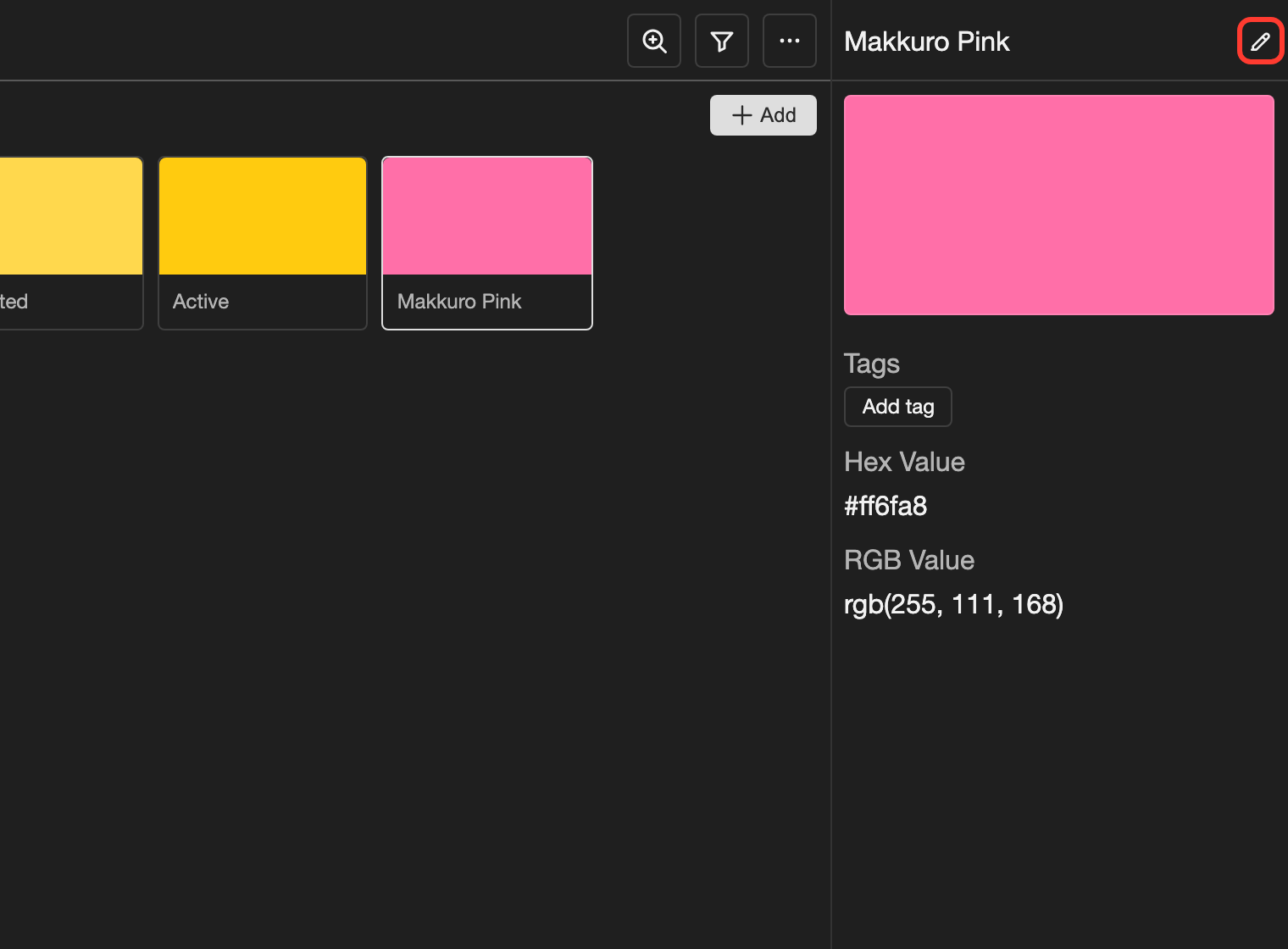
Tap the color.
- Phone or tablet: Tap the color. A panel opens at the bottom of the screen.
- Desktop: Click the color. The details panel opens on the right.
-
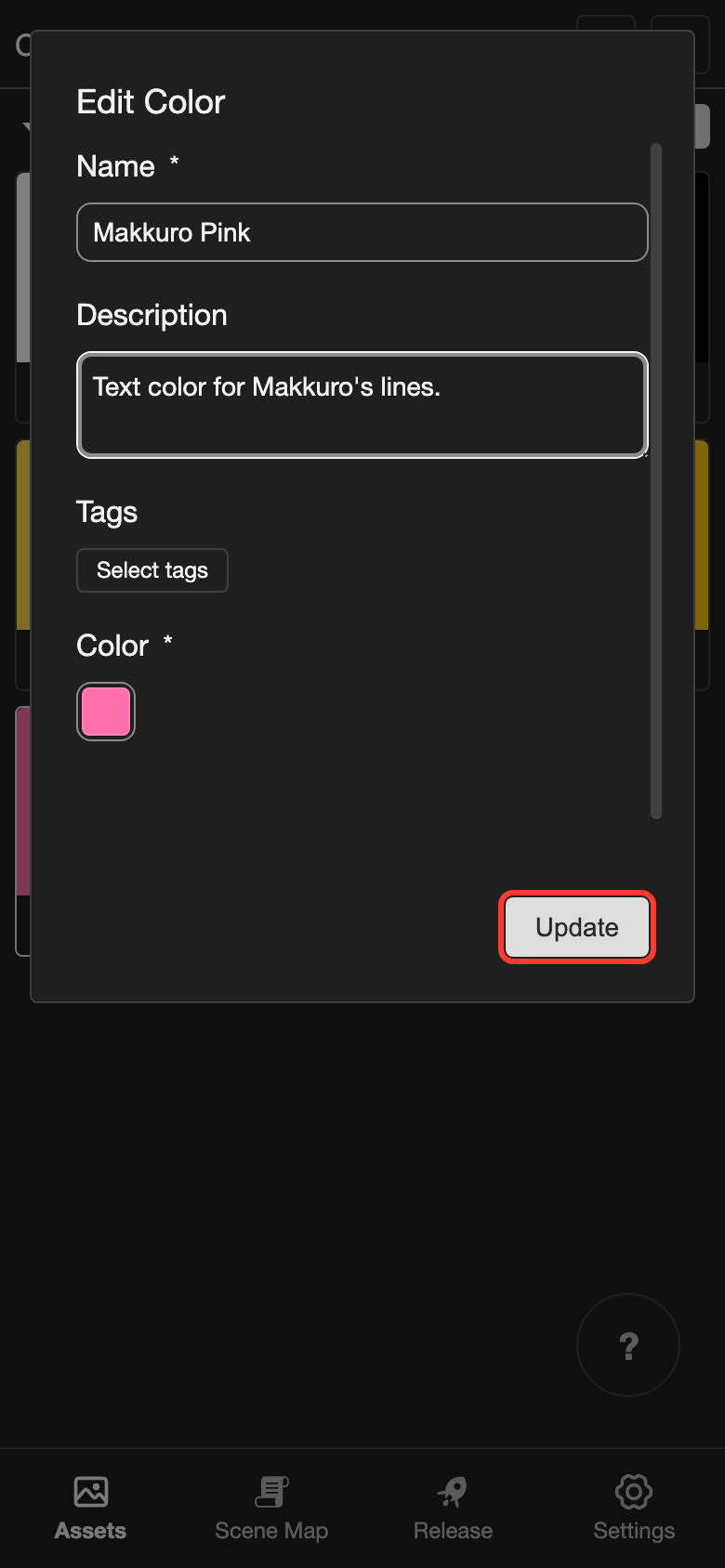
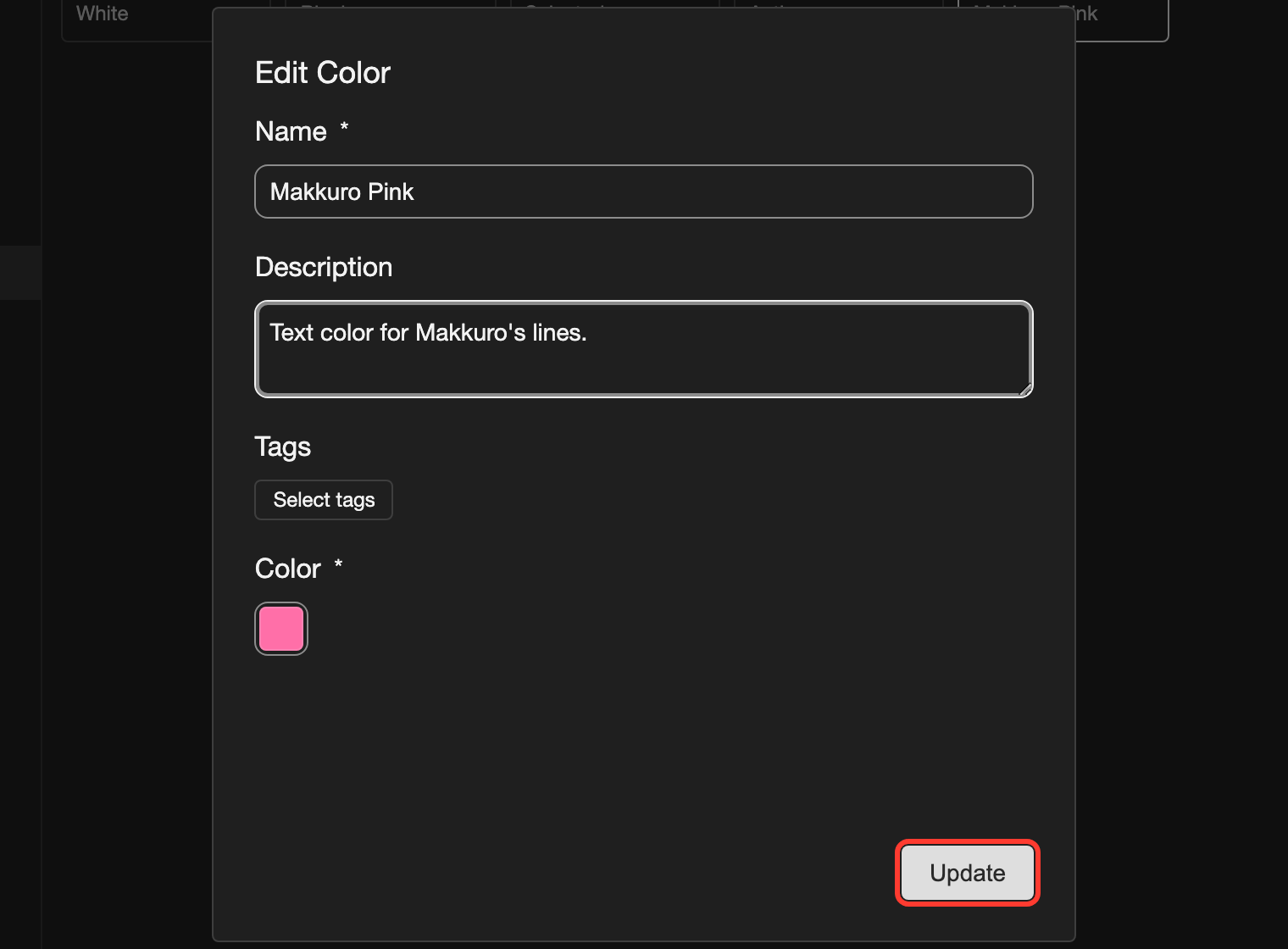
Open the Edit Color box.
- Phone or tablet: Tap Edit in the panel.
- Desktop: Click the pencil icon next to the color name.
-
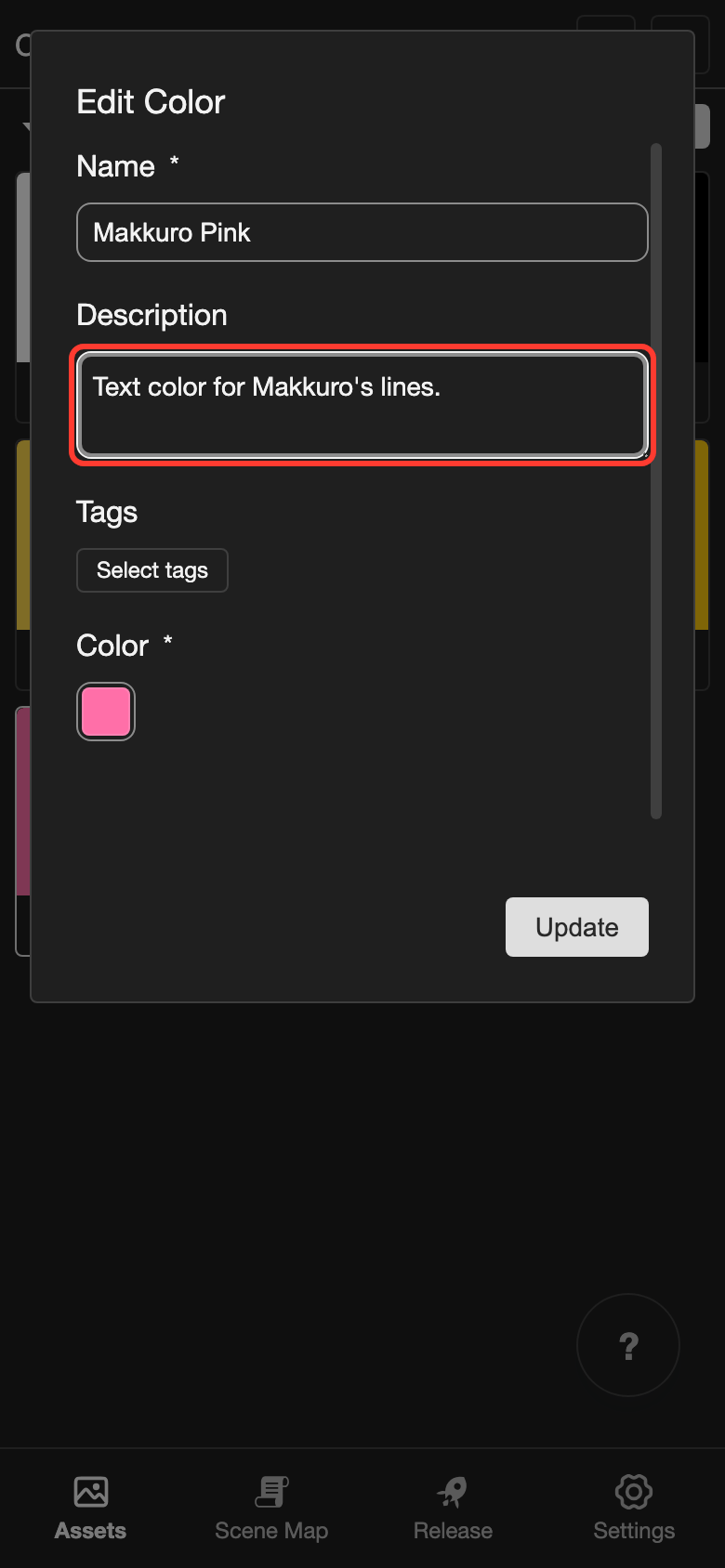
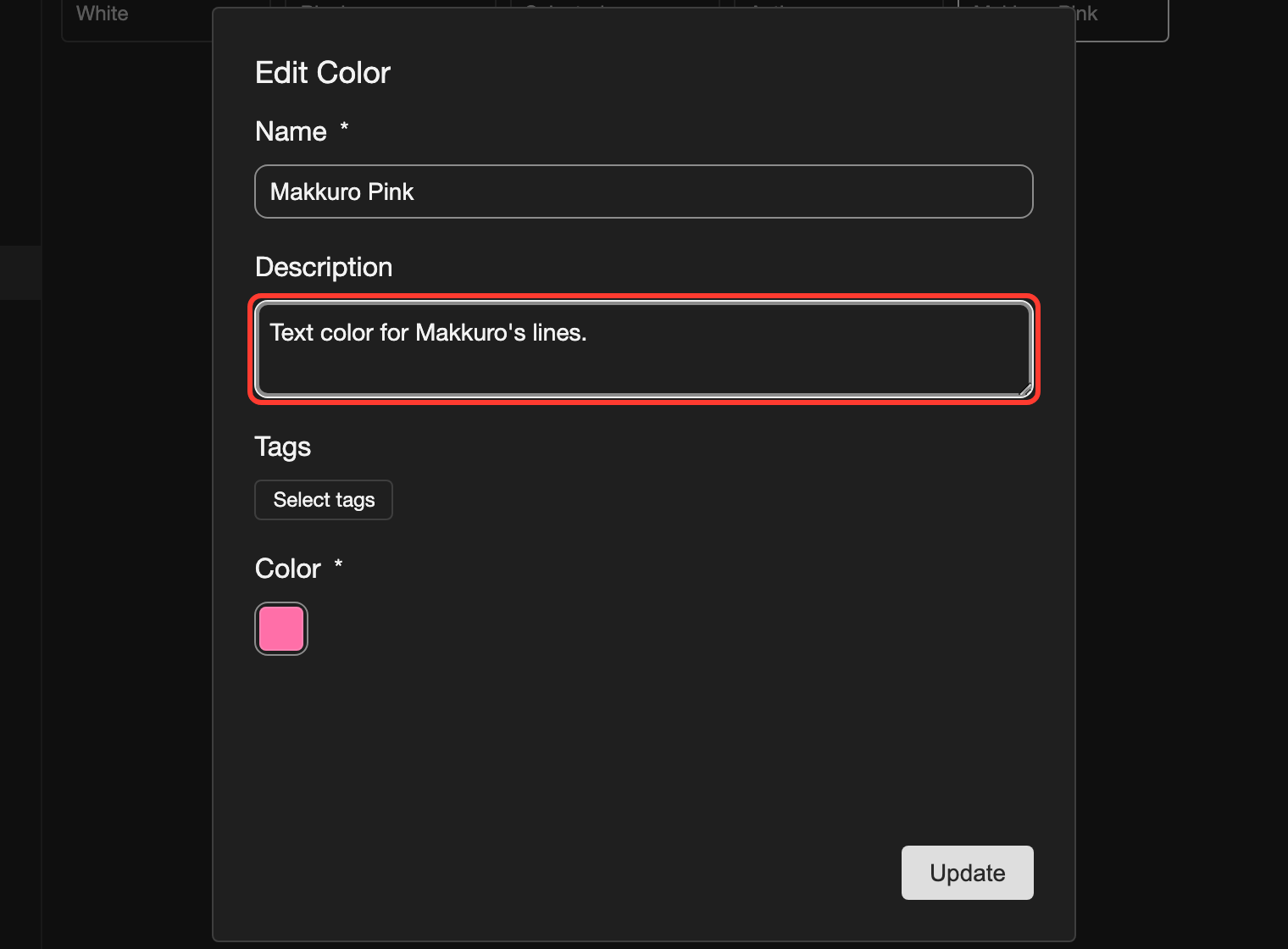
Change what you need.
- Name and Description: Type the new text. For example, add a short note in Description.
- Color: Tap the small square under Color. Pick the new color, like when you added the color.
-
Tap Update.
Good to know
- Text styles use the colors from this page. A text style that uses a color shows the new color after you change it.
- The details panel shows the Hex Value and the RGB Value of the color.
Problems and fixes
- I see "Color name is required." Type a name in Color Name before you tap Add Color.