Introduction
Welcome to the RouteVN Creator docs. Here you learn how to make a visual novel. A visual novel is a story that people read on a screen, with text, pictures, and sound.
Terminology
- RouteVN is the brand. It covers a full set of products for visual novels.
- RouteVN Creator is the app that you use to make a visual novel. It is for writers, artists, and anyone else.
What is RouteVN Creator
- You do not need to code or have technical skills.
- It runs on Windows, macOS, Linux, Android, iPhone, and iPad. Get it on the download page.
- It is free to use.
- It is open source under the MIT license. You can find the source code on GitHub.
- Your projects stay on your device. You can work without an internet connection. A few extras, such as the asset store, need internet.
- There will be paid features for advanced use. They will not affect the free version.
How to use this documentation
-
You do not need to read every page. Skim it once, then come back when you need help.
-
The app keeps its screens simple. Some features are hard to find at first. These docs show you where they are.
-
These docs match the latest version of RouteVN Creator.
-
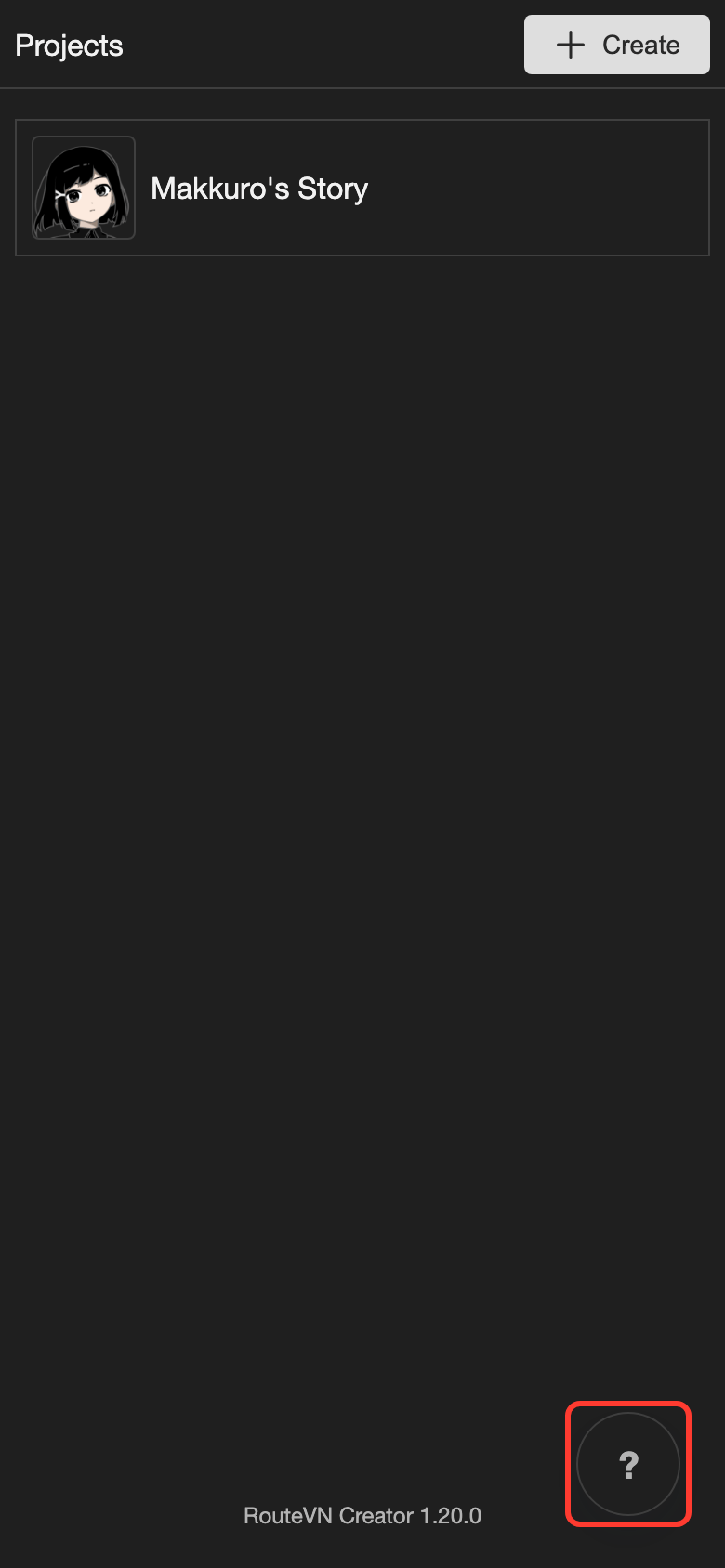
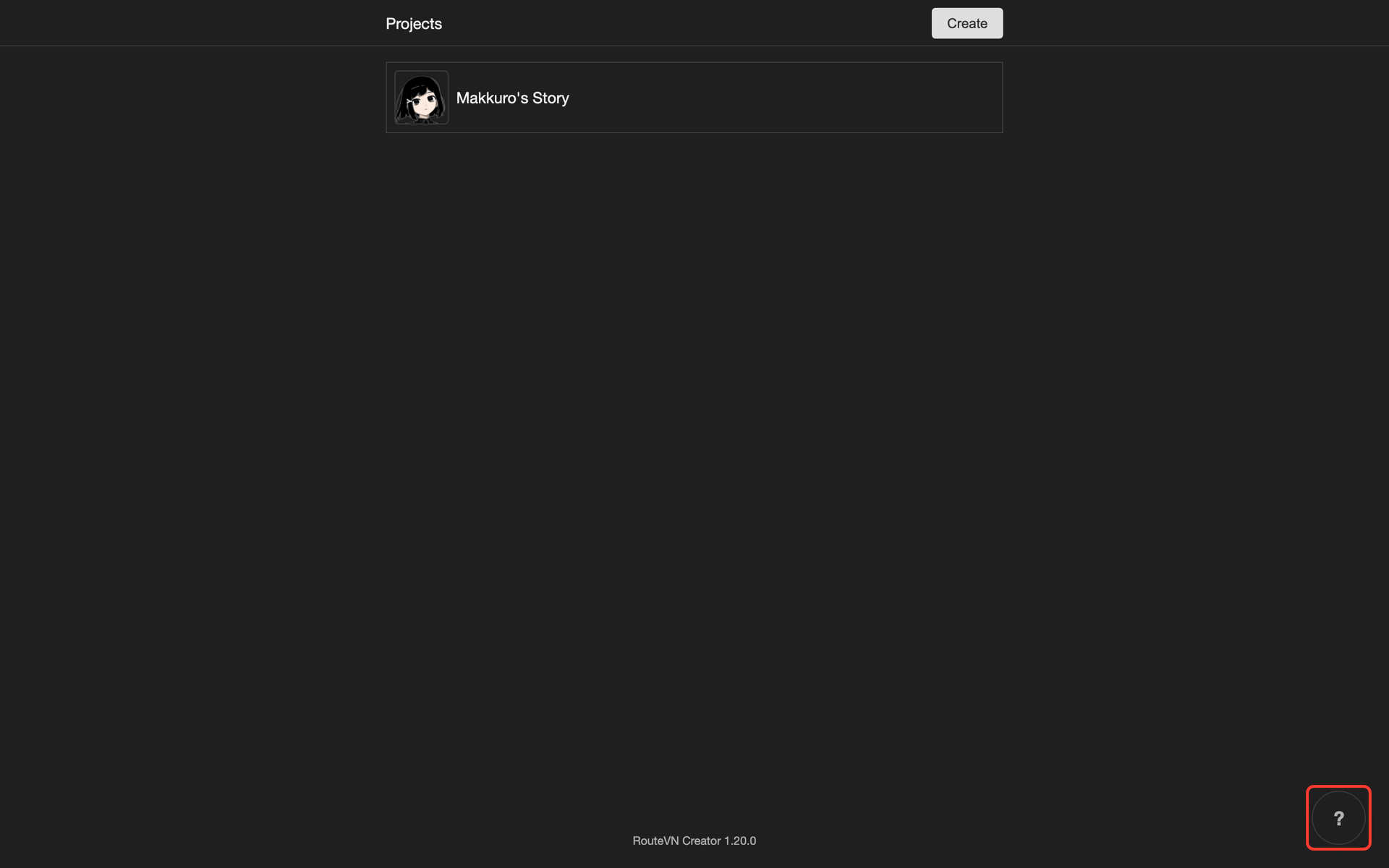
In the app, the ? button at the bottom right opens the docs page for the screen you are on. It needs internet.
-
To hide the ? button, open Settings, then Config. Under Help Button, tap Hide.
Support
If you need support, please reach out to staff or community:
Next steps
- Quickstart: install the app
- Projects: create your first project
- Video Tutorials: learn with videos
- Page Index: find any page in the app