1.10.2
This version improves font handling, conditional actions, element selection, and the Layout Editor. It also adds platform-specific export settings, scene screenshots, overlay scrollbars, and important stability fixes.
Changes
- [BREAKING] Scene Editor: Updated Conditional actions to move automatically to the next line when none of their section transition conditions evaluate as true.
- Fonts: Dropped support for uploading fonts in WOFF format. WOFF2 remains supported, and previously uploaded WOFF files will continue to work.
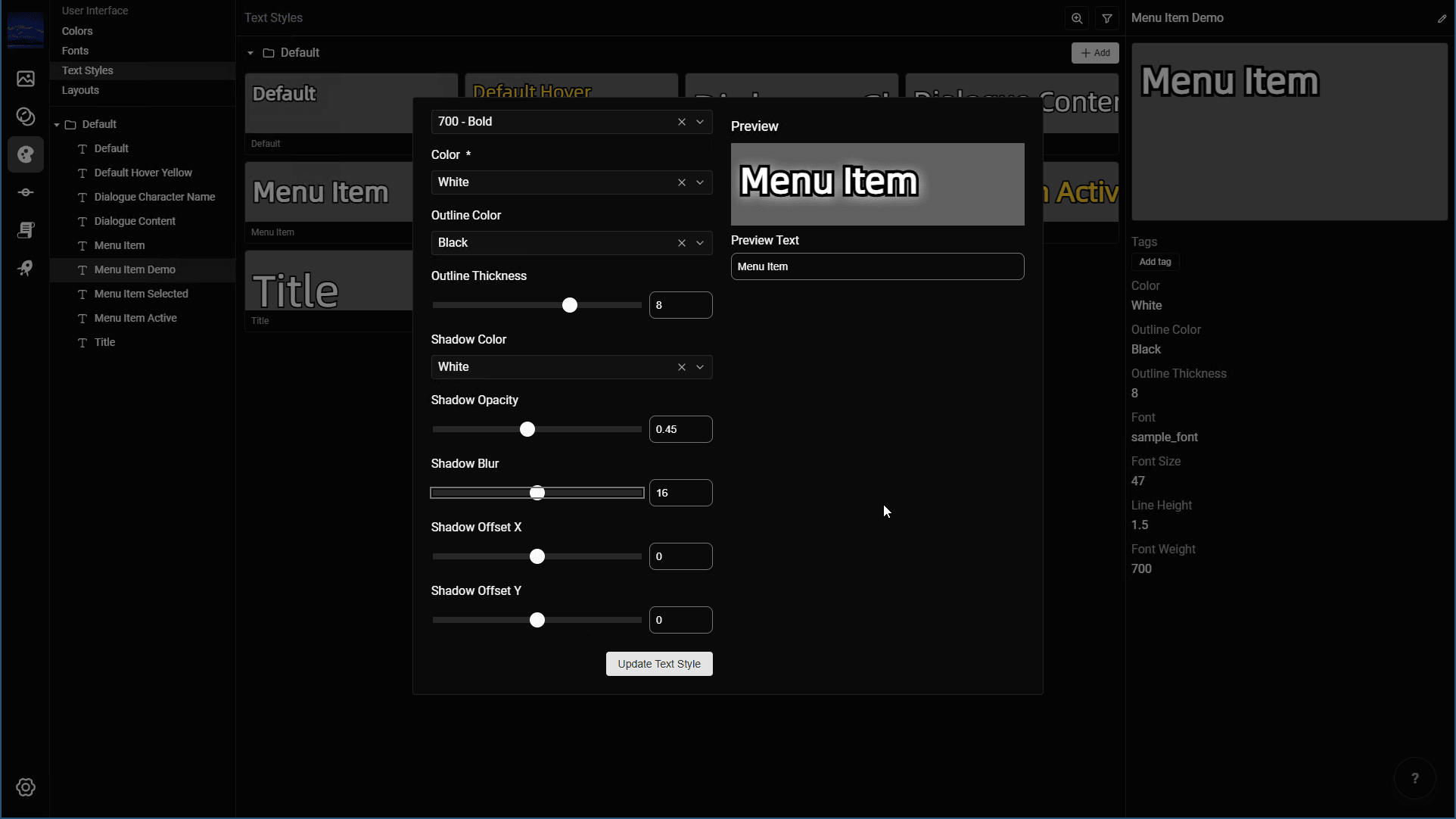
- Fonts: Updated text styles to show only the font weights supported by the selected font.
- Text Styles: Added shadow support.
- New Projects: Added better default fonts based on the project language, including an extended Latin font and dedicated fonts for CJK languages.
- Scene Editor: Added
One Of,Greater Than,Greater Than or Equal,Less Than, andLess Than or Equalevaluations to Conditional actions. - Scene Editor: Improved the description for dialogue speaker sprites and made them persist by default.
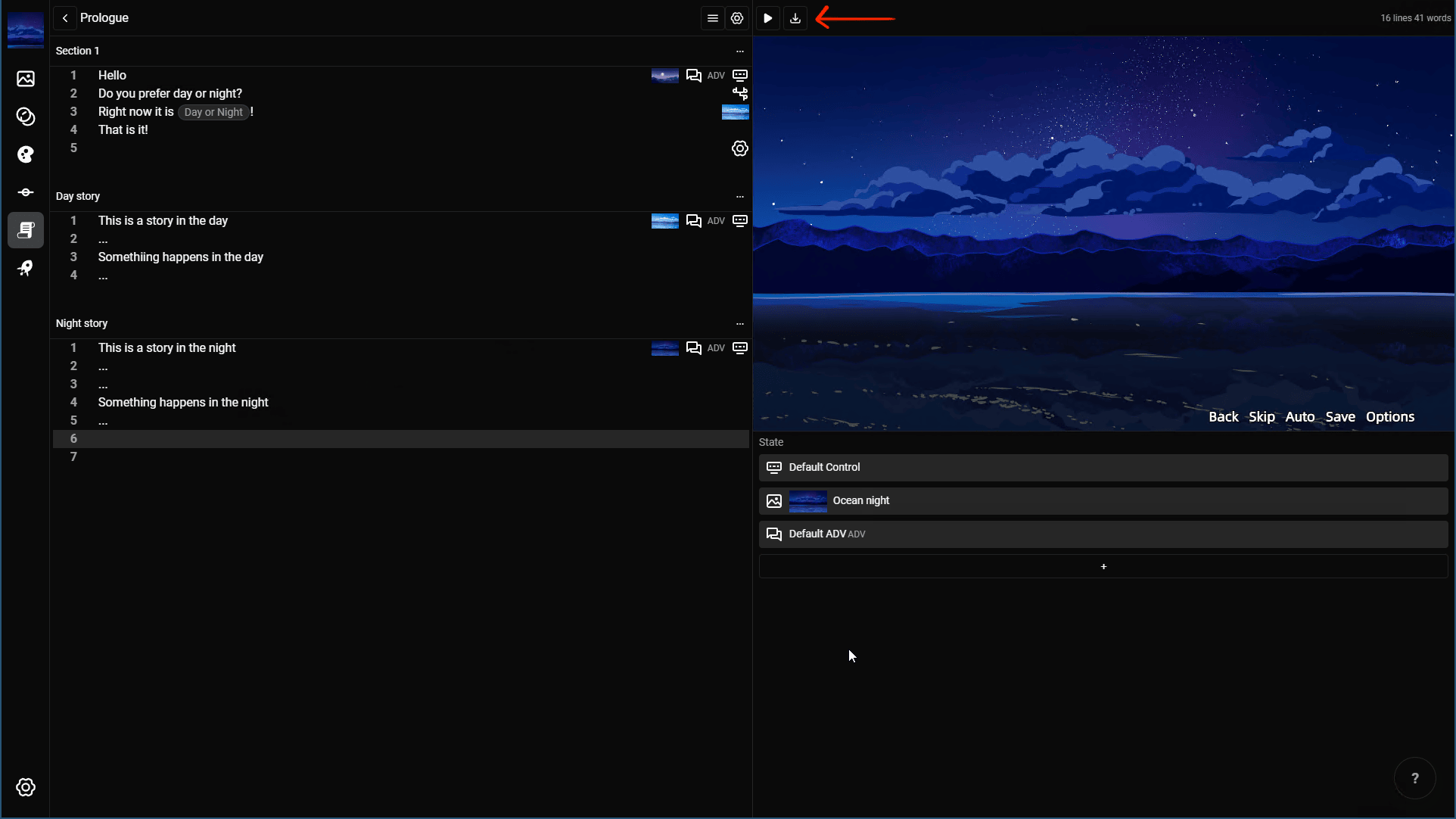
- Scene Editor: Added a button to download screenshots.
- Layout Editor: Added element selection from the preview. Hover over and click an element to select it, or double-click a child of the currently selected container.
- Layout Editor: Added support for the
Loop Endreveal-sound interruption option. - Layout Editor: Added customization for the save and load slot date format.
- Platform Details: Added a page for platform-specific export settings. It currently supports web exports, with more export platforms planned.
- General: Improved scrollbar presentation with overlay scrollbars.
- General: Added more than a dozen minor interface improvements, especially in the Layout Editor.
- General: Fixed a critical bug that could crash a project during refresh while a resource was still uploading.