Export Overview
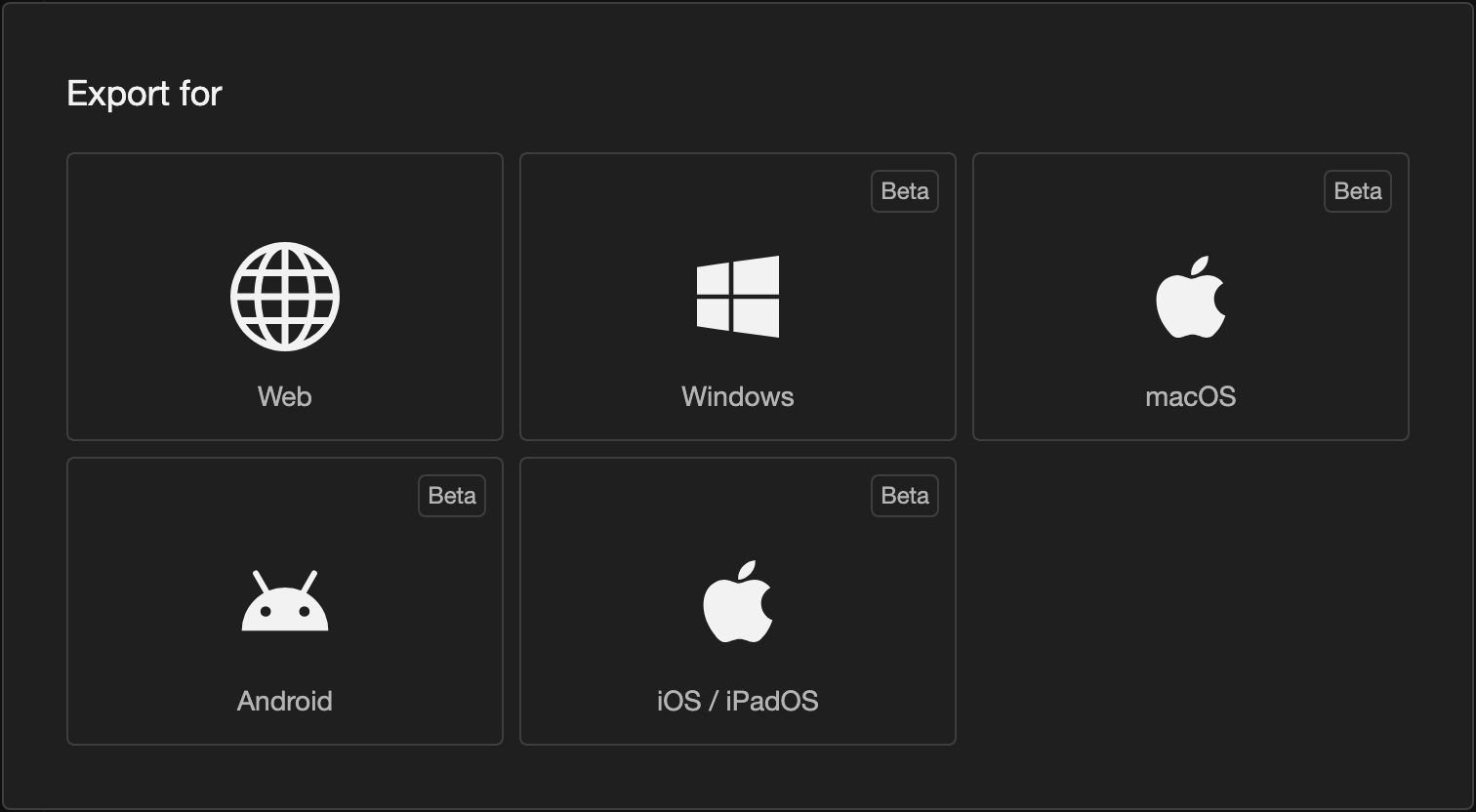
Exporting turns your project into a visual novel that other people can read. This page lists every platform you can export for.
A platform is the kind of device that a visual novel runs on. A web browser and an Android phone are 2 platforms.
Platforms you can export for
| Platform | What you get | Where people read it |
|---|---|---|
| Web | A ZIP file | In a web browser, on any device |
| Windows (Beta) | An EXE file | On a Windows PC |
| macOS (Beta) | An app in a ZIP file | On a Mac |
| Android (Beta) | An APK file, or an App Bundle | On an Android phone or tablet |
| iOS and iPadOS (Beta) | An IPA file | On an iPhone or iPad |
- Beta means that the export is new and still being tested.
- iOS and iPadOS export needs RouteVN Creator 1.23.0 or later.
- There is no export for Linux.
What your device can export
The platforms you see depend on where you use RouteVN Creator.
| Platform | Mobile App | Desktop App |
|---|---|---|
| Web | Yes | Yes |
| Windows | No | Yes |
| macOS | No | Only on a Mac |
| Android | Yes | Yes |
| iOS and iPadOS | No | Only on a Mac |
- Mobile App means the RouteVN Creator app on a phone or tablet.
- Desktop App means the RouteVN Creator app on Windows, macOS, or Linux.
How an export works
Every platform follows the same steps.
-
Create a version. A version is a saved copy of your visual novel. See Versions.
-
On the Versions page, tap the version.
-
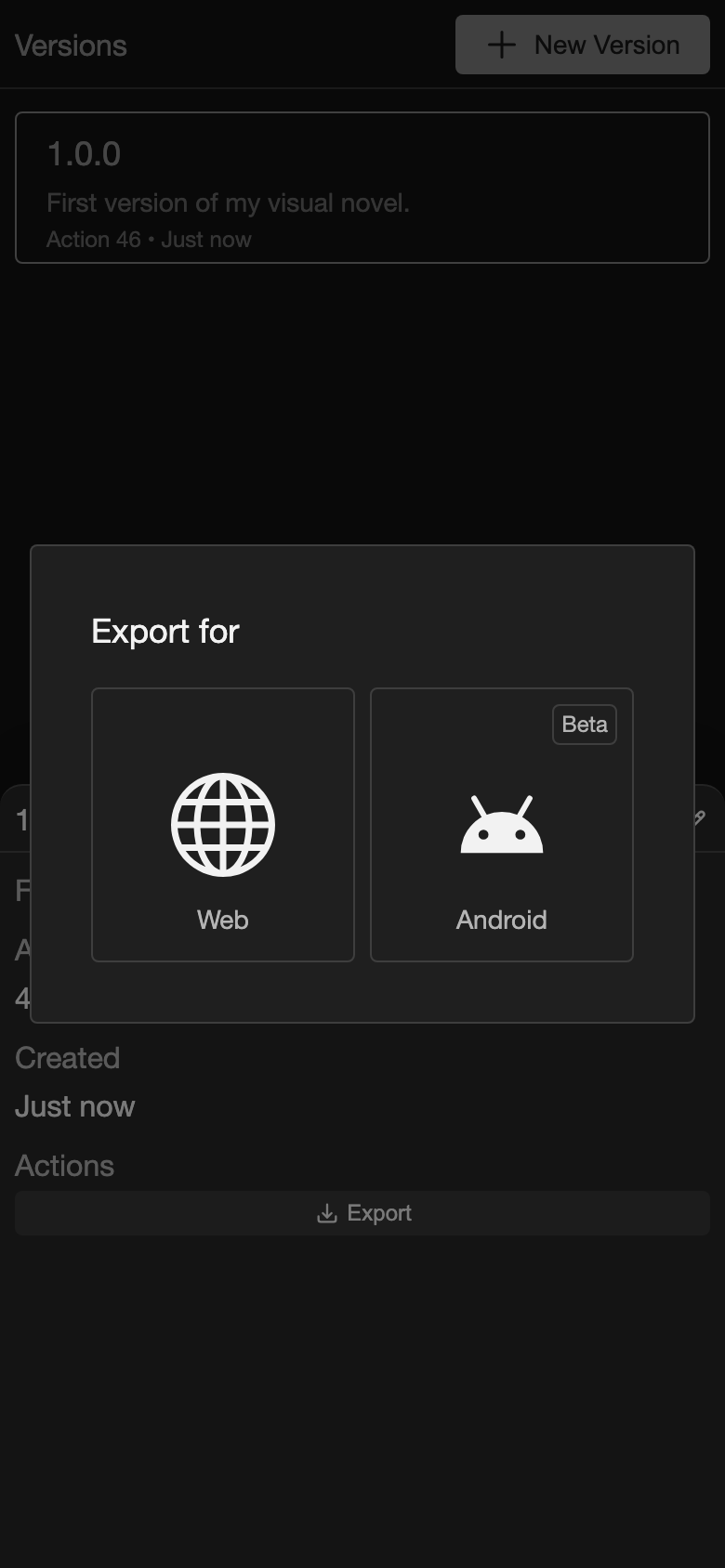
In the details, tap Export. The Export for box opens.
-
Tap a platform.
-
The first time, add the platform details. These are the name, icon, and identifier of your visual novel.
-
Check the details in the confirm box.
-
Save the file.
Each platform page shows these steps with pictures.
After you export
- Test the file before you share it.
- To put your visual novel online or in a store, see Publish Overview.
Good to know
- An export uses the version you tapped. Changes you made after that version are not in it.
- Each platform keeps its own details. You add them once for each platform.
- To change the details later, see Platform Details.
- Export source on the Project page is different. It saves a copy of your project, not a visual novel for readers. It shows only on a phone or tablet. See Device differences.